
 Loading…
 Loading…
Creation workspace
LiveCreate your character
Anime is selected by default. Voice and relationship choices are saved as profile settings and are not sent into the portrait prompt.
Style
 Loading…
 Loading…
 Loading…
 Loading…
 Loading…
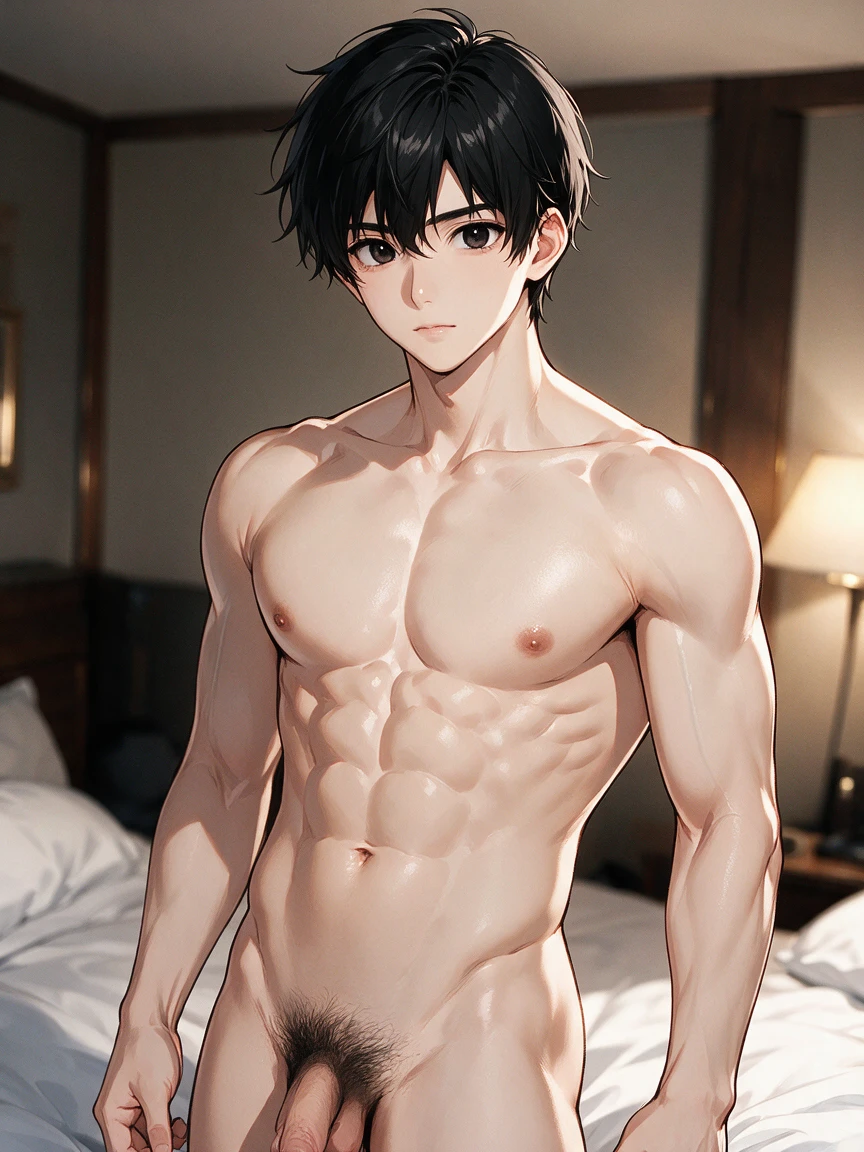 Loading…
 Loading…
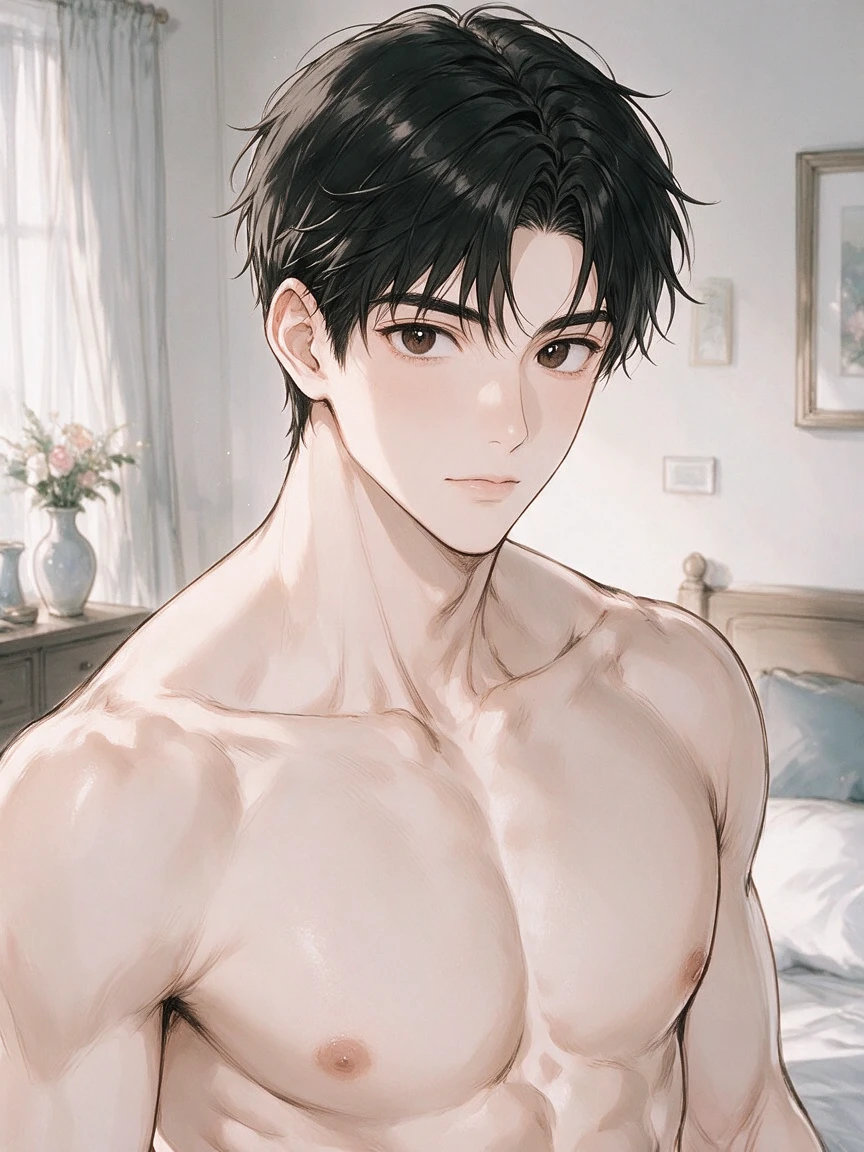 Loading…
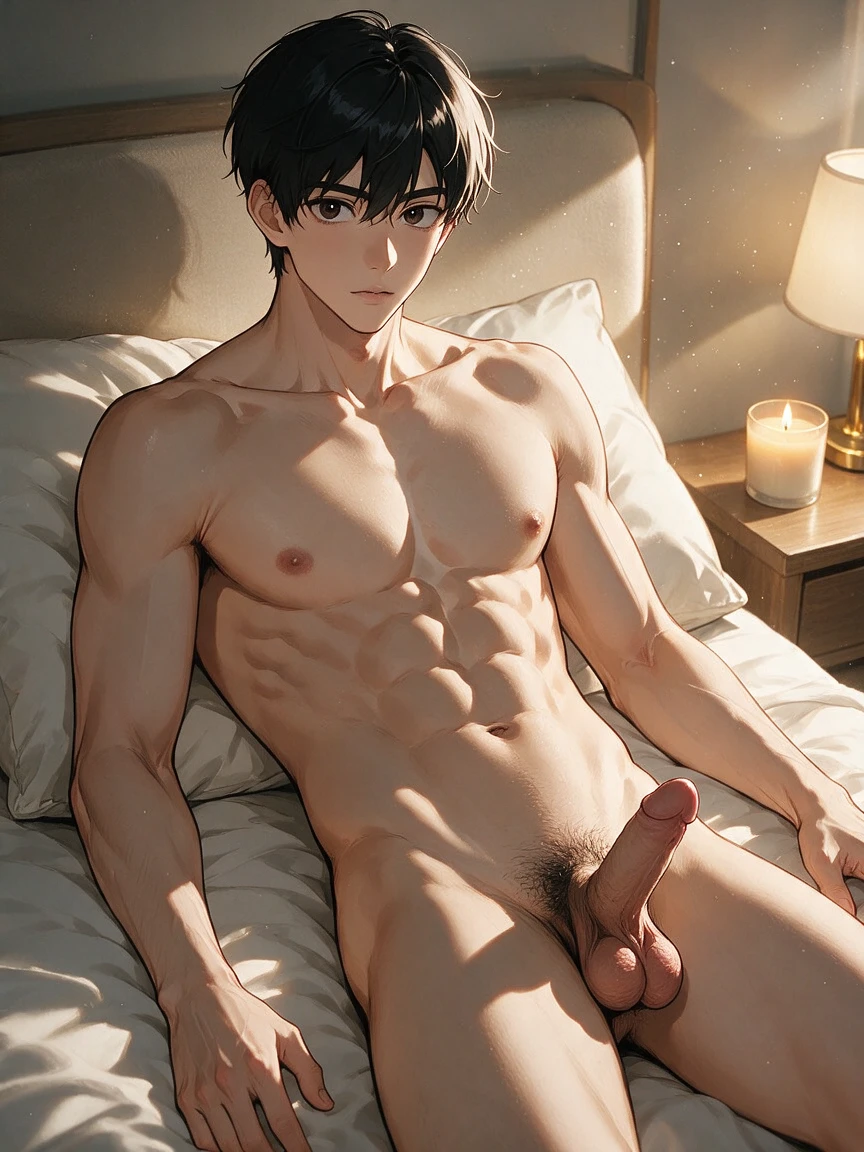 Loading…
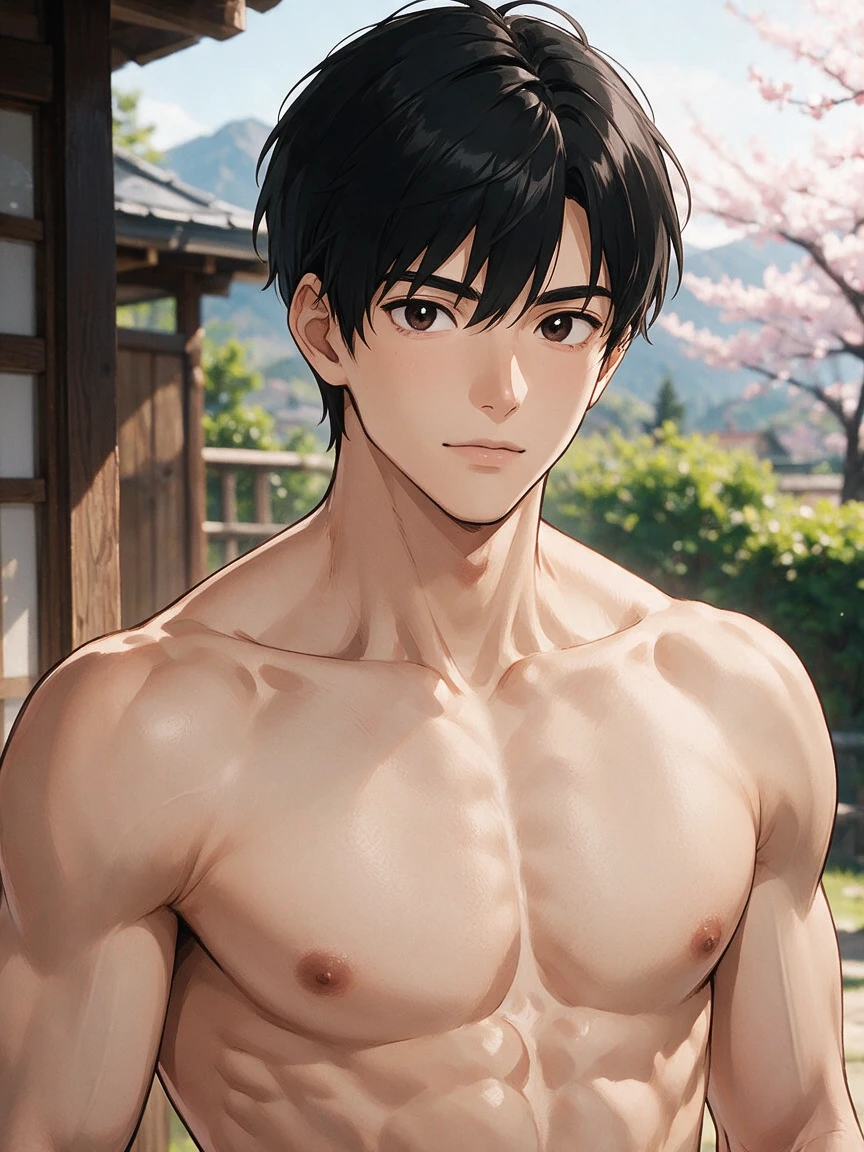 Loading…
 Loading…
 Loading…
Proof he is a design, not a one-off
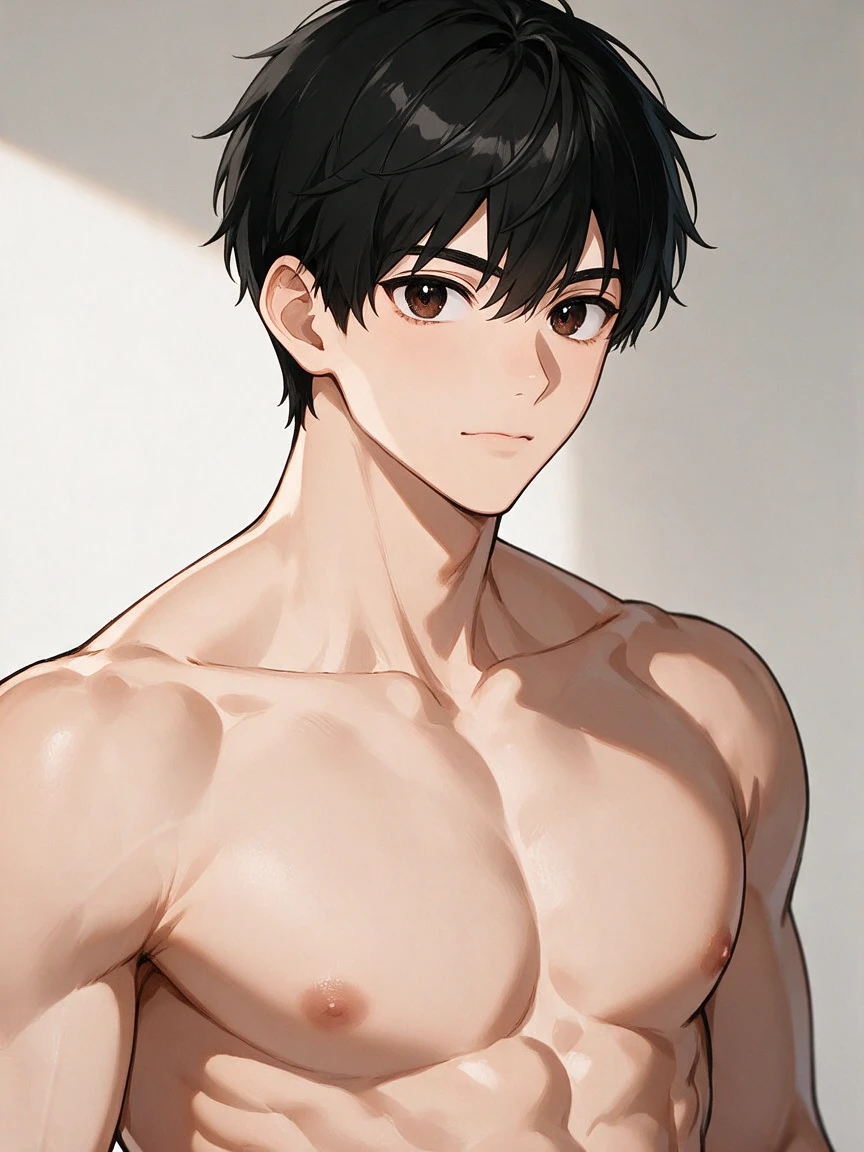
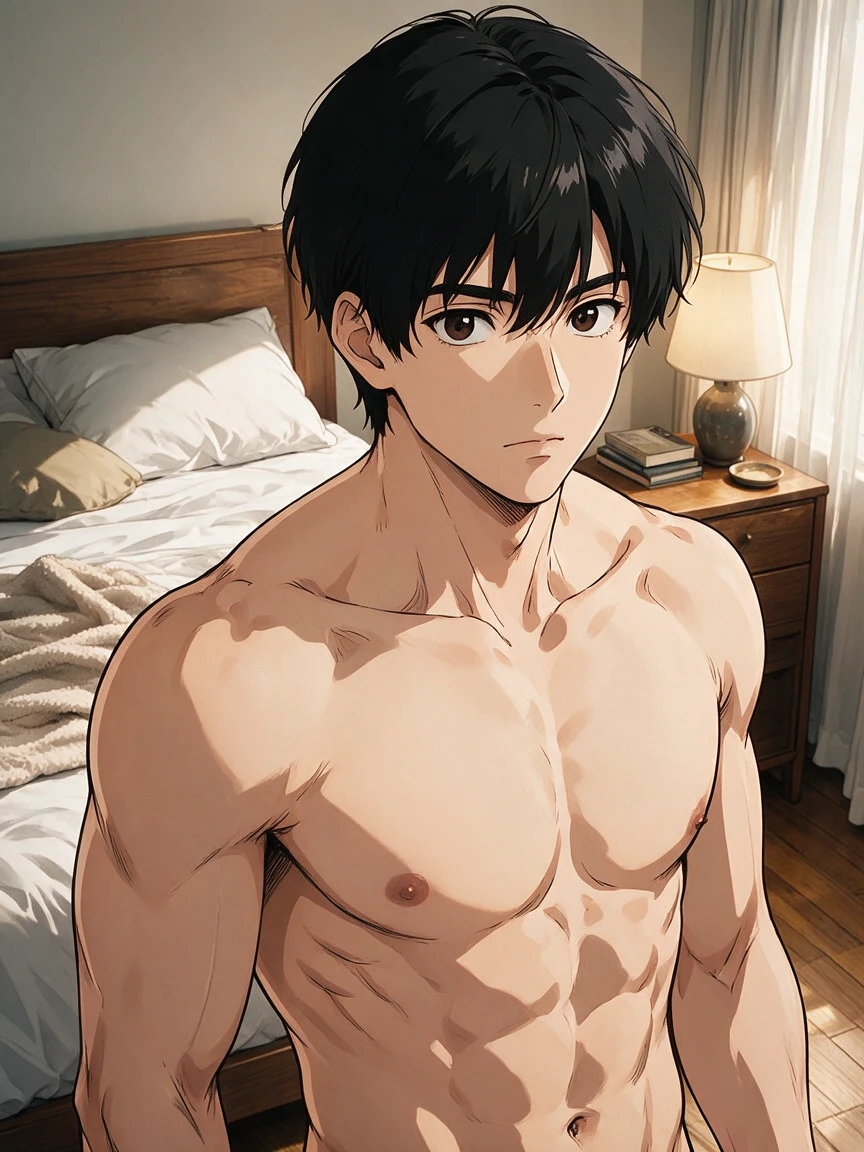
Anime-first direction, optional realistic-anime, and a saved appearance sheet you can reload instead of rebuilding him from memory Continue on Hajima AI.
 Loading…
 Loading…
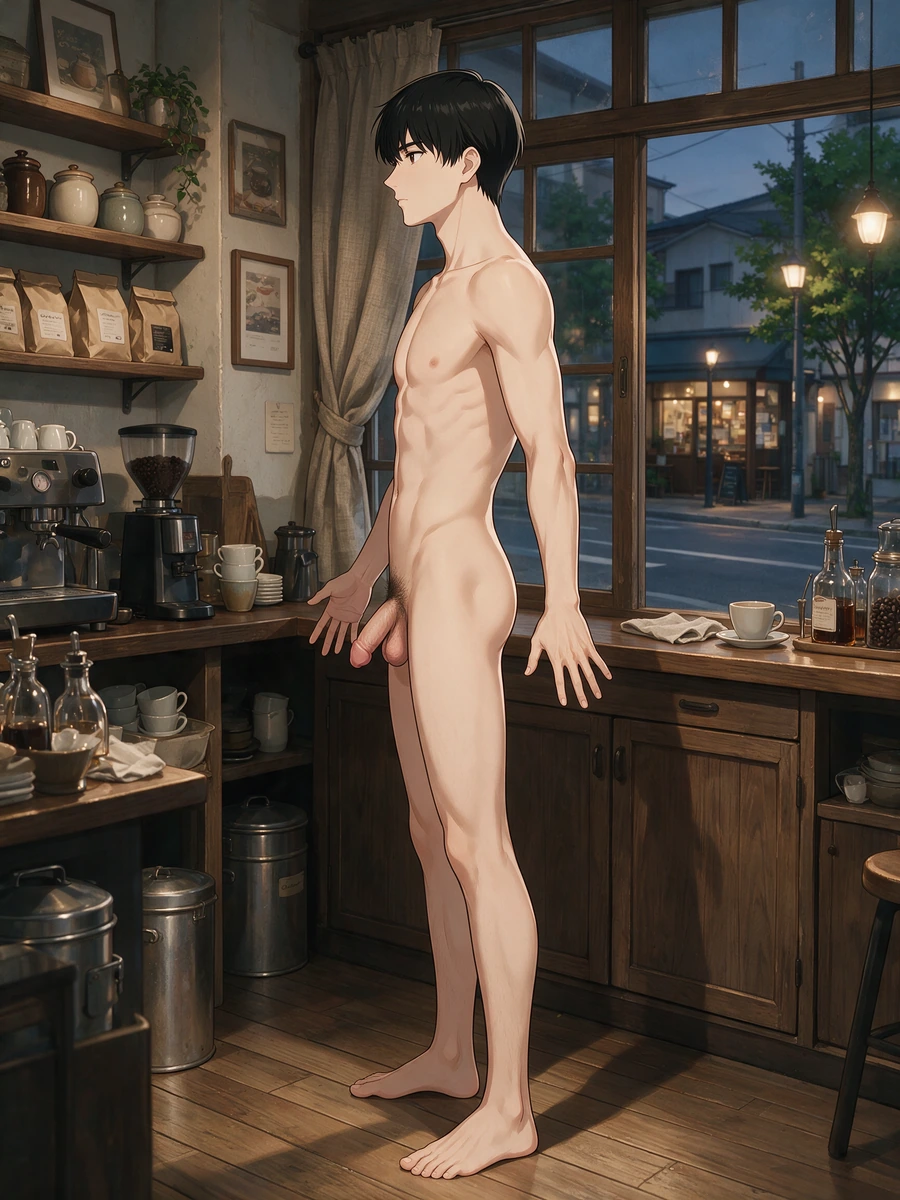 Loading…
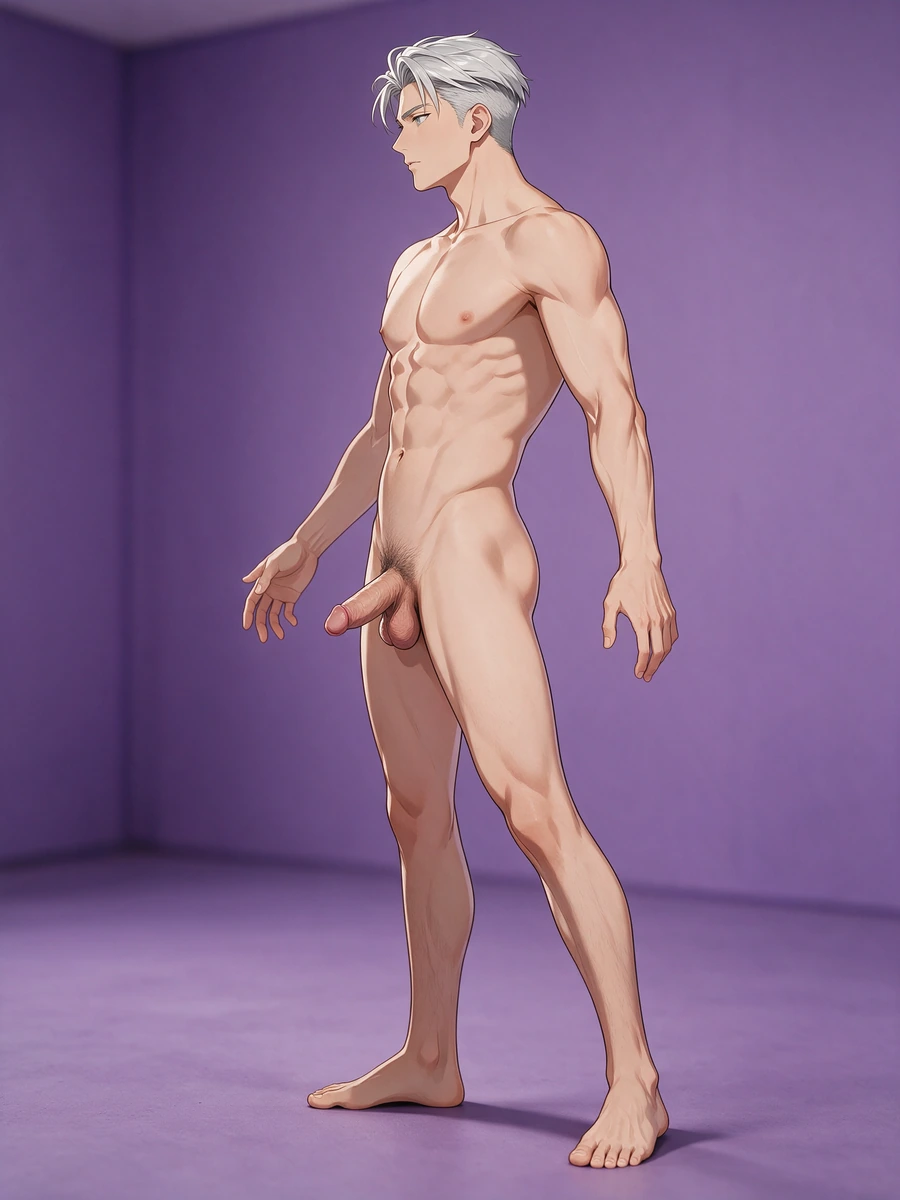 Loading…
Profiles that invite later scenes
Personality, work, hobbies, and tone give him a narrative pull — even when nonvisual fields never leak into the first portrait Continue on Hajima AI.
Café cowgirl still to 12-second ride
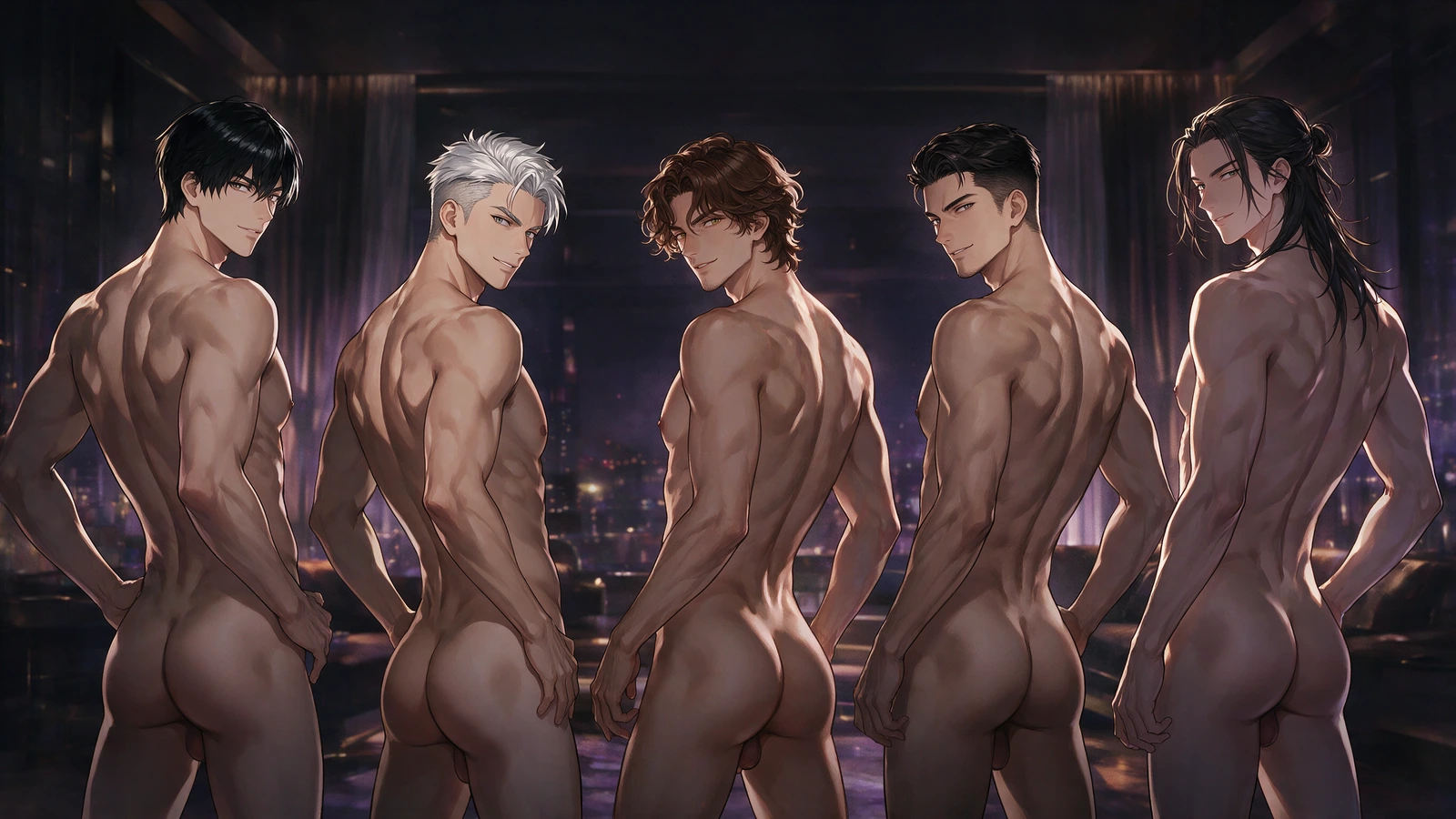
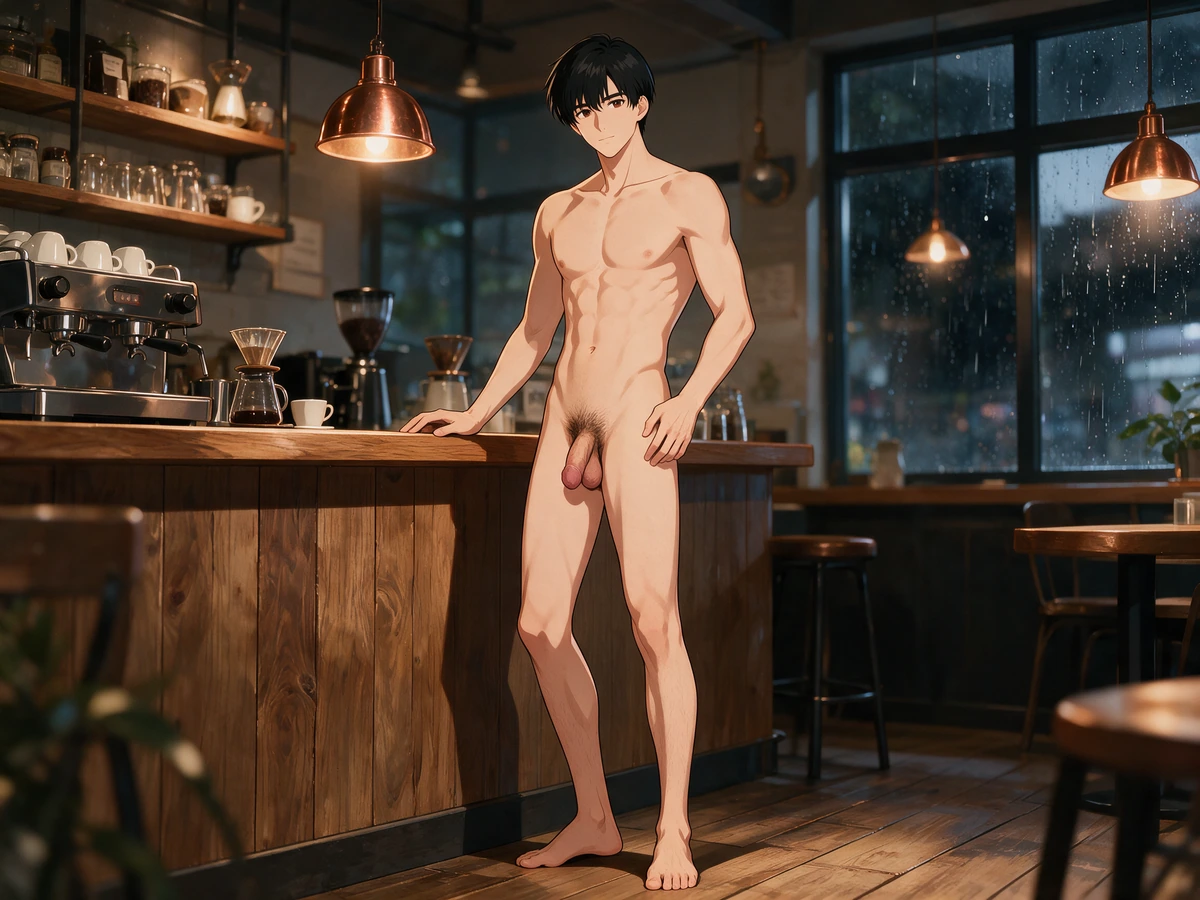
An AI boyfriend nude café cowgirl still continues into a 12-second riding scene with readable penetration, rain-lit copper lamps, and a locked male identity.
Neon lounge still to 12-second solo motion
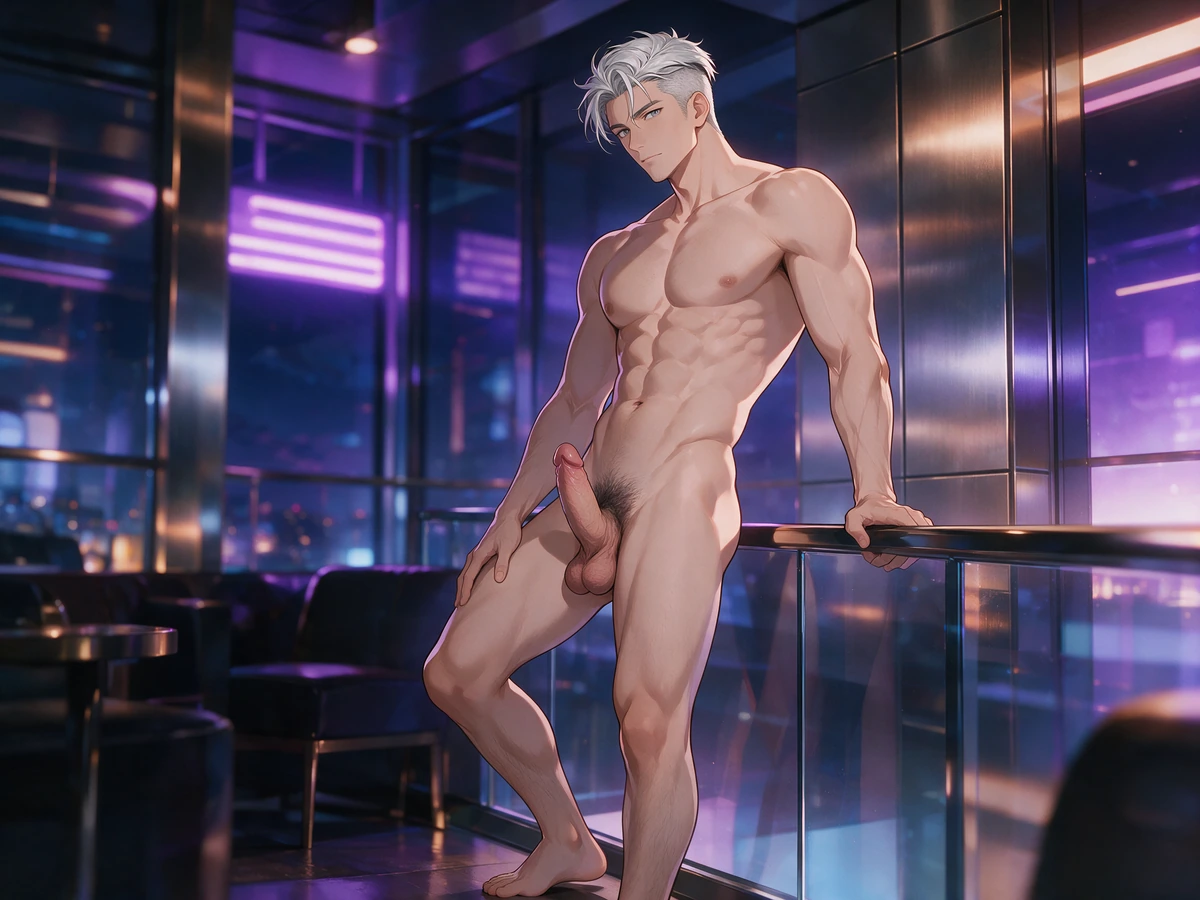
A nude neon-lounge spread still becomes a 12-second solo masturbation clip with wider knee spread, wet grip, and violet practical lights on a locked male identity.
Looks you can dial in
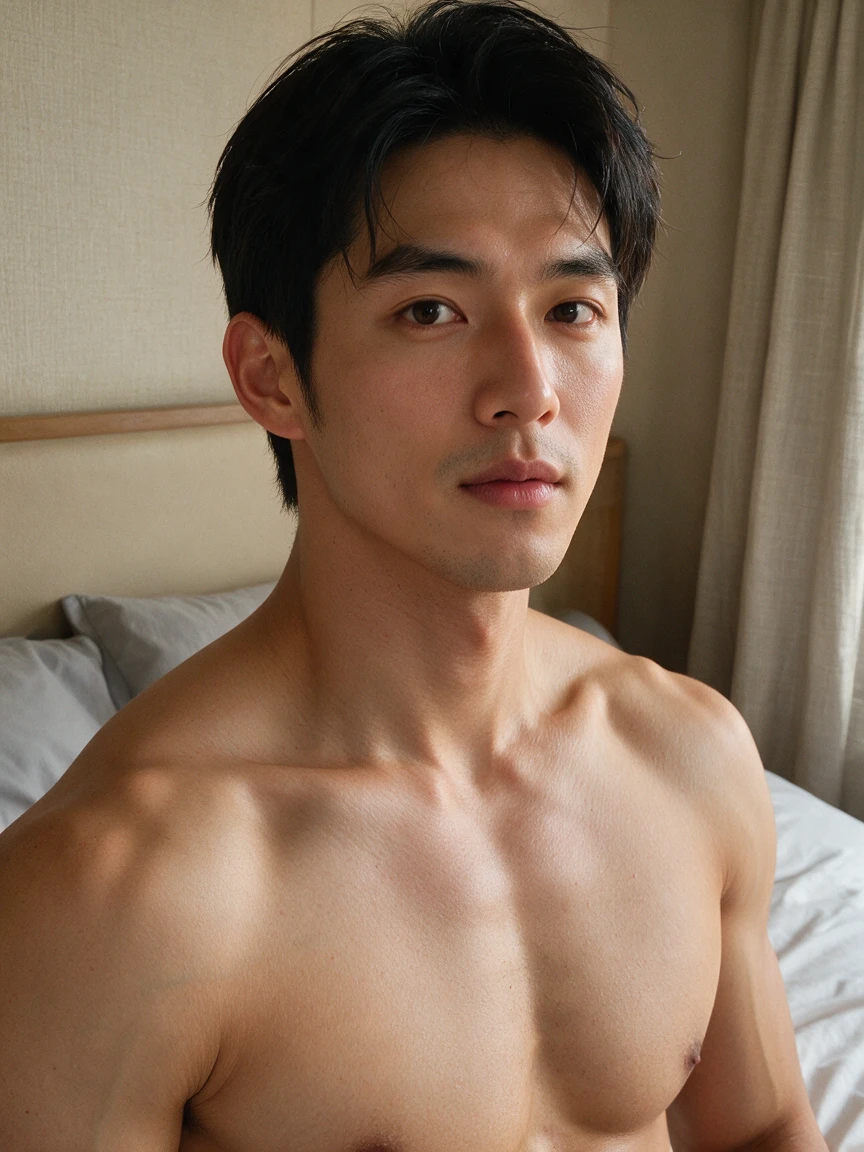
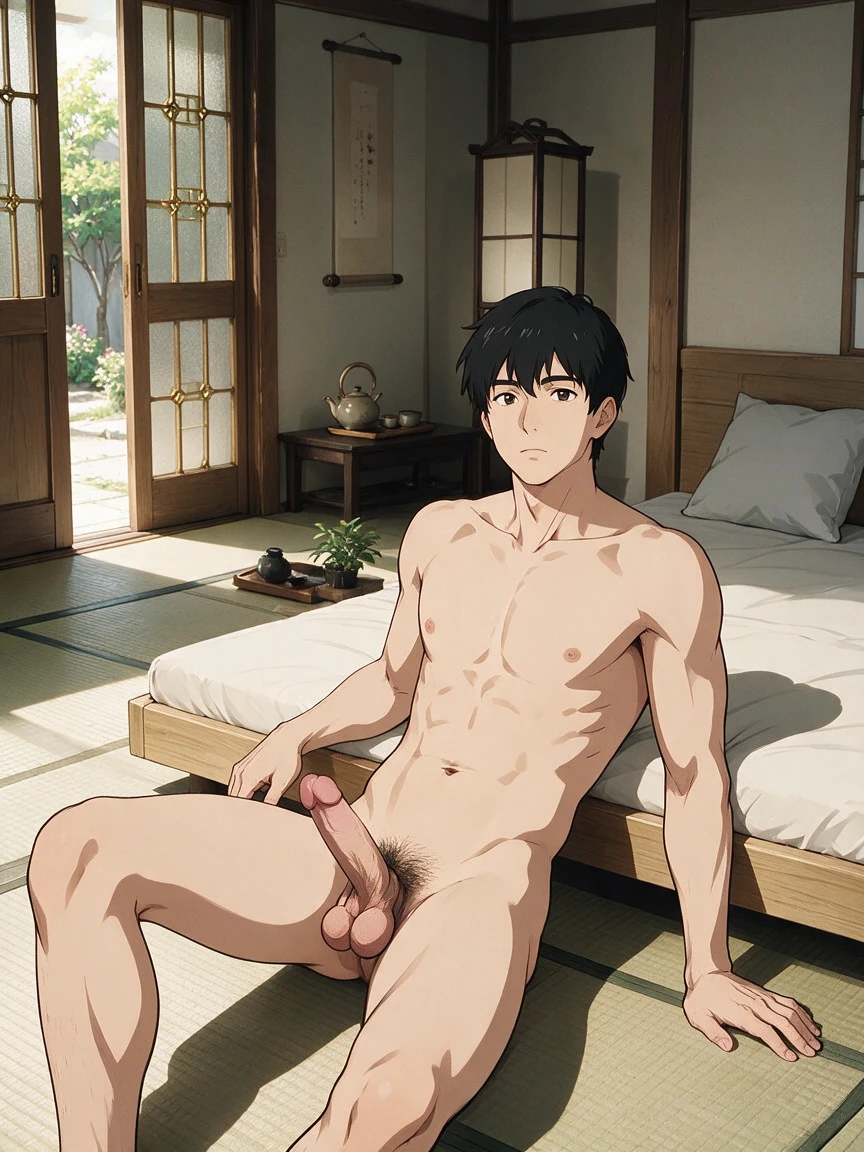
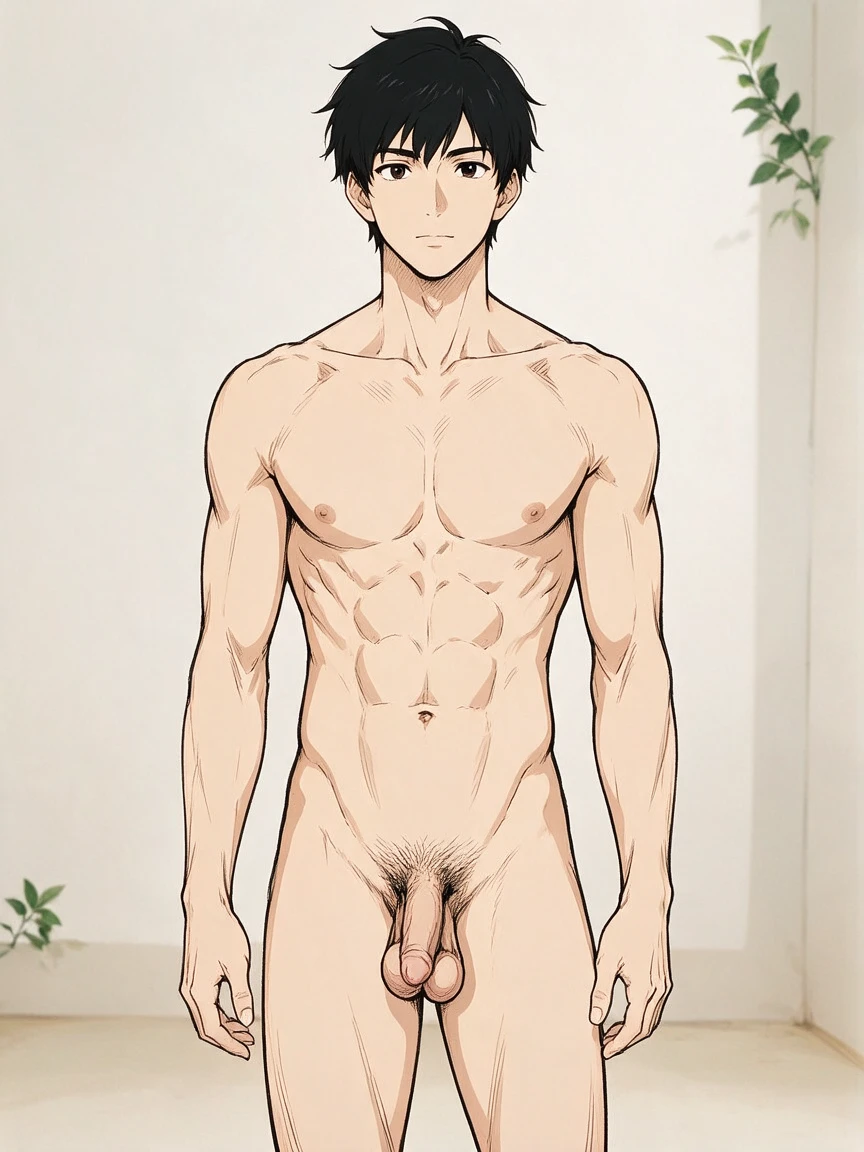
Face, body, hair, eyes, outfit, and custom notes stay explicit so the first portrait matches the hunger you built.
 Loading…
A presence that outlives one image
Personality and setting cues shape how you stage him next — gaming rooms, dates, private interiors — after the portrait lands.
 Loading…
A boyfriend you can redesign and reload
Build him like a compact character bible — style, face, body, hair, eyes, outfit, then personality, occupation, hobbies, relationship tone, voice style, and backstory Continue on Hajima AI.
Profile facts save together. Only visual facts enter the portrait prompt. Voice, relationship metadata, and account fields stay out of the creative request so the first portrait stays sharp.
Save the profile before generating the portrait
Complete the eight steps and review the final summary. After sign-in, the full profile is saved as a reusable subject preset. Only a successful save can proceed to the separate 1024×1280 portrait request Continue on Hajima AI.
If profile saving fails, no generation is submitted. If the profile saves but portrait generation fails, the saved profile remains available in My Profiles and can be loaded again. The page does not automatically retry the failed portrait.
Original husbando design
Turn a loose idea into a named, reloadable anime character with consistent appearance and narrative traits Continue on Hajima AI.
Visual-novel character bible
Keep the look, personality, work, interests, relationship tone, and backstory together for future scene planning.
First portrait generation
Produce a 1024×1280 visual anchor after the profile has been saved successfully.
Profile iteration
Reload a saved subject, adjust selected facts, and review the profile before choosing whether to create another portrait.
What the creator leaves you with
A visible character you chose on purpose
Style, face, body, hair, eyes, outfit, and custom notes locked before anything saves Continue on Hajima AI.
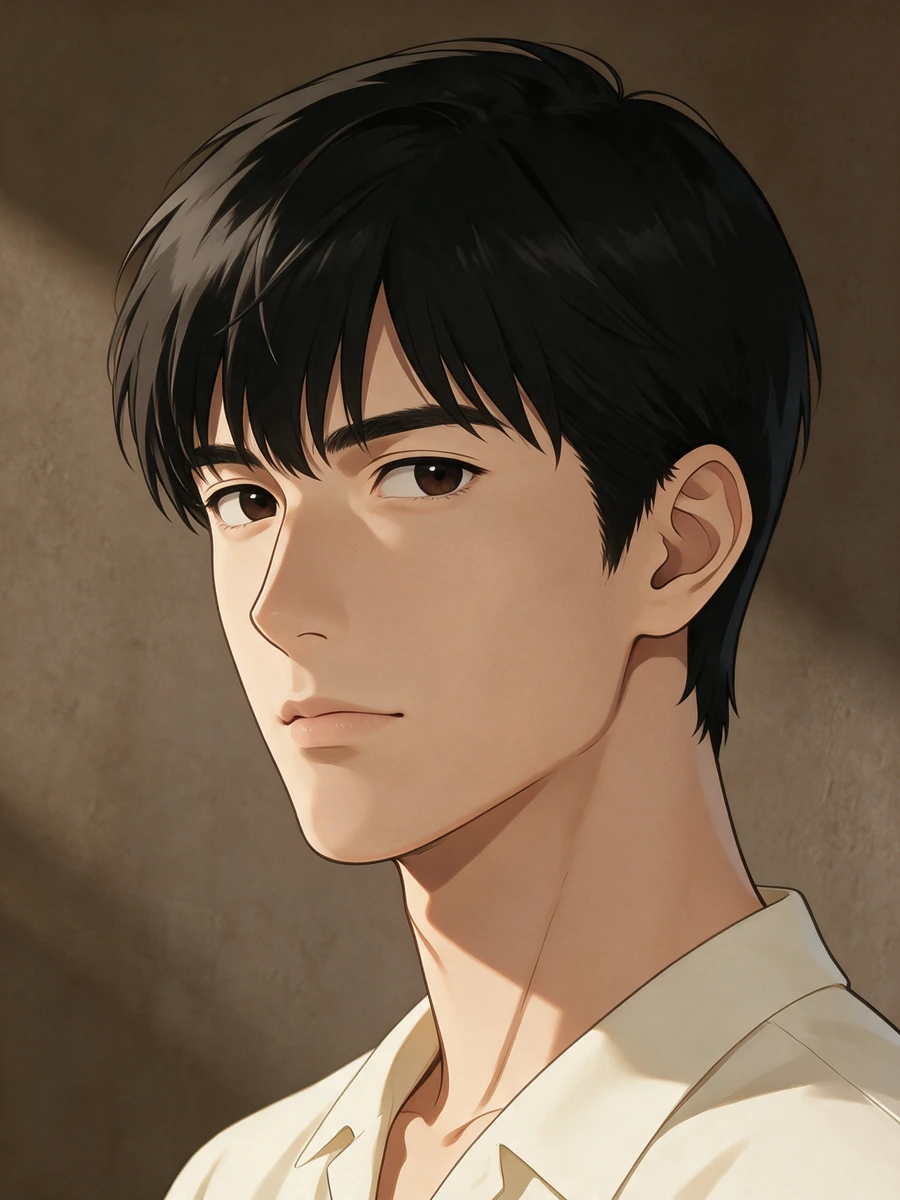 Loading…
A narrative profile that stays his
Personality, occupation, hobbies, relationship tone, voice style, and optional backstory — saved with the look.
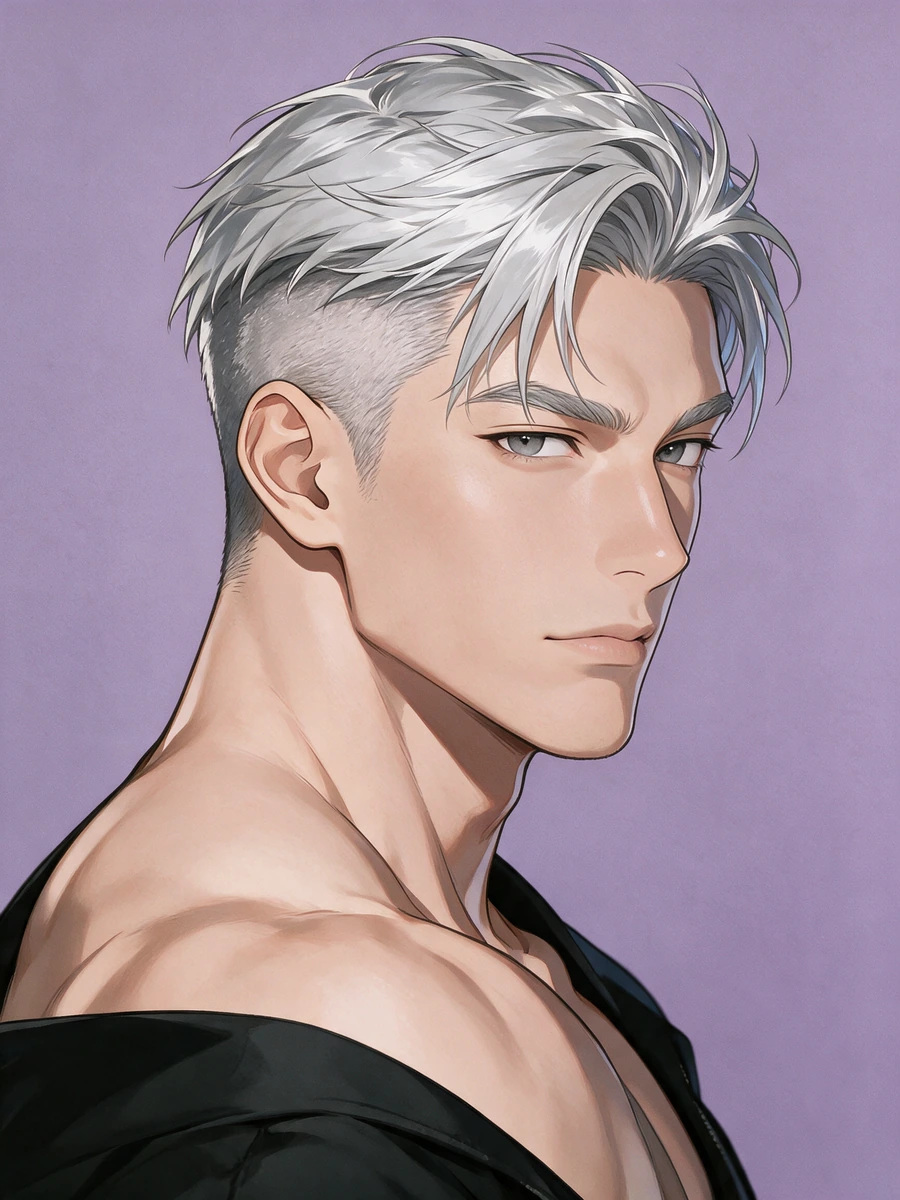 Loading…
A versioned subject preset
Review the setup, sign in, and save the complete profile you can reopen later.
A first 1024×1280 portrait on demand
Portrait generation is a separate confirm after a successful save — not an automatic surprise Continue on Hajima AI.
Explore more on Hajima AI
Keep creating across Hajima AI — images, video, characters, and more features as the studio grows.
 Loading…
NSFW anime stills with create or edit control — sharp poses, wardrobe, and camera.
 Loading…
Turn one first frame into directed adult motion with duration and camera under you.
 Loading…
Lock one anime identity to a real performance — face, body motion, timing intact.
 Loading…
Build a reloadable girlfriend profile, then pull a 1024×1280 first portrait.
Loading…Build a reloadable boyfriend profile, then pull a 1024×1280 first portrait.
 Loading…
Image or video clothing-state results with identity held and the reveal under control.
Frequently asked questions
01How many steps are in the creator?
There are eight: style, general appearance, face, body, outfit, action, scene details, then review where you set age and name Continue on Hajima AI.
02Can I reuse my AI boyfriend in later NSFW scenes?
Yes. Save his profile, create a first portrait, then reopen the same visual preset for new adult images or videos on Hajima AI.
03Does saving a profile generate automatically?
No. The profile saves first. Portrait generation is a separate explicit request after a successful save.
04What happens if profile saving fails?
No generation job is submitted, so the profile and image state cannot silently diverge.
05What happens if the portrait fails?
The successfully saved profile stays in My Profiles. The failed portrait is not submitted again automatically.
06Does the voice option create audio?
No. Voice is a saved profile attribute only. This page does not provide speech synthesis or chat.
07Which facts enter the portrait prompt?
Only visual creation facts. Voice, relationship, account, qualification, and publication metadata stay out.
08Can an unsigned-in draft survive sign-in?
Yes. The draft uses its own local storage scope and restores when the sign-in return flow reaches the page. Reuse his portrait in the NSFW AI image or video studio, or explore adult manga on Hajima AI.
Make him once. Call him back.
Build appearance and narrative in order, save the profile, then confirm the first portrait when you want the opening look Continue on Hajima AI.
Create your boyfriend