
 Loading…
 Loading…
 Loading…
 Loading…
Creation workspace
LiveRestoring your setup…
Proof the reveal stays continuous
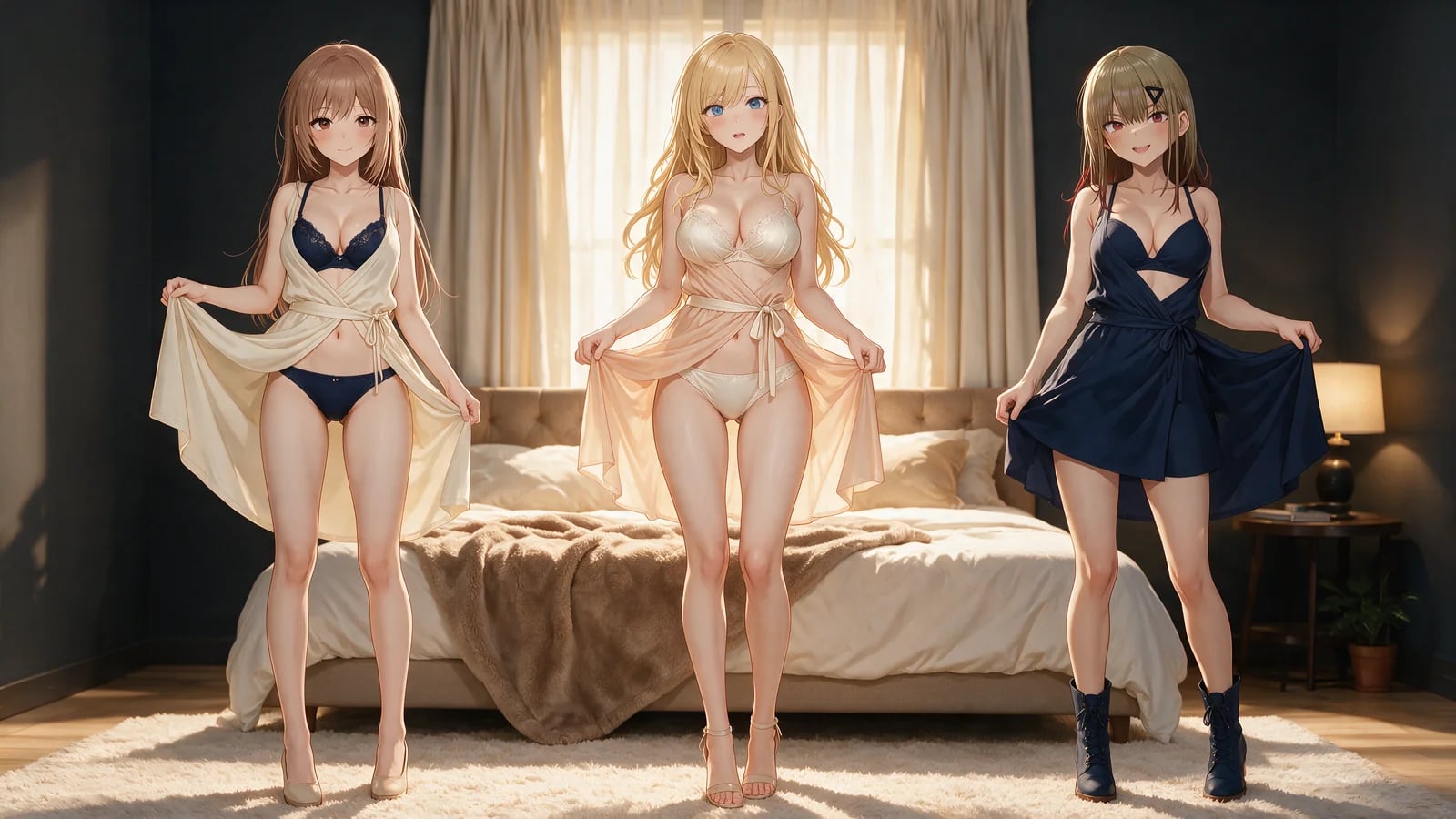
Identity held. Clothing state progressing on purpose — still or motion — without a soft blur standing in for the ask Continue on Hajima AI.
Loading…Loading…Rooms that earn the undress
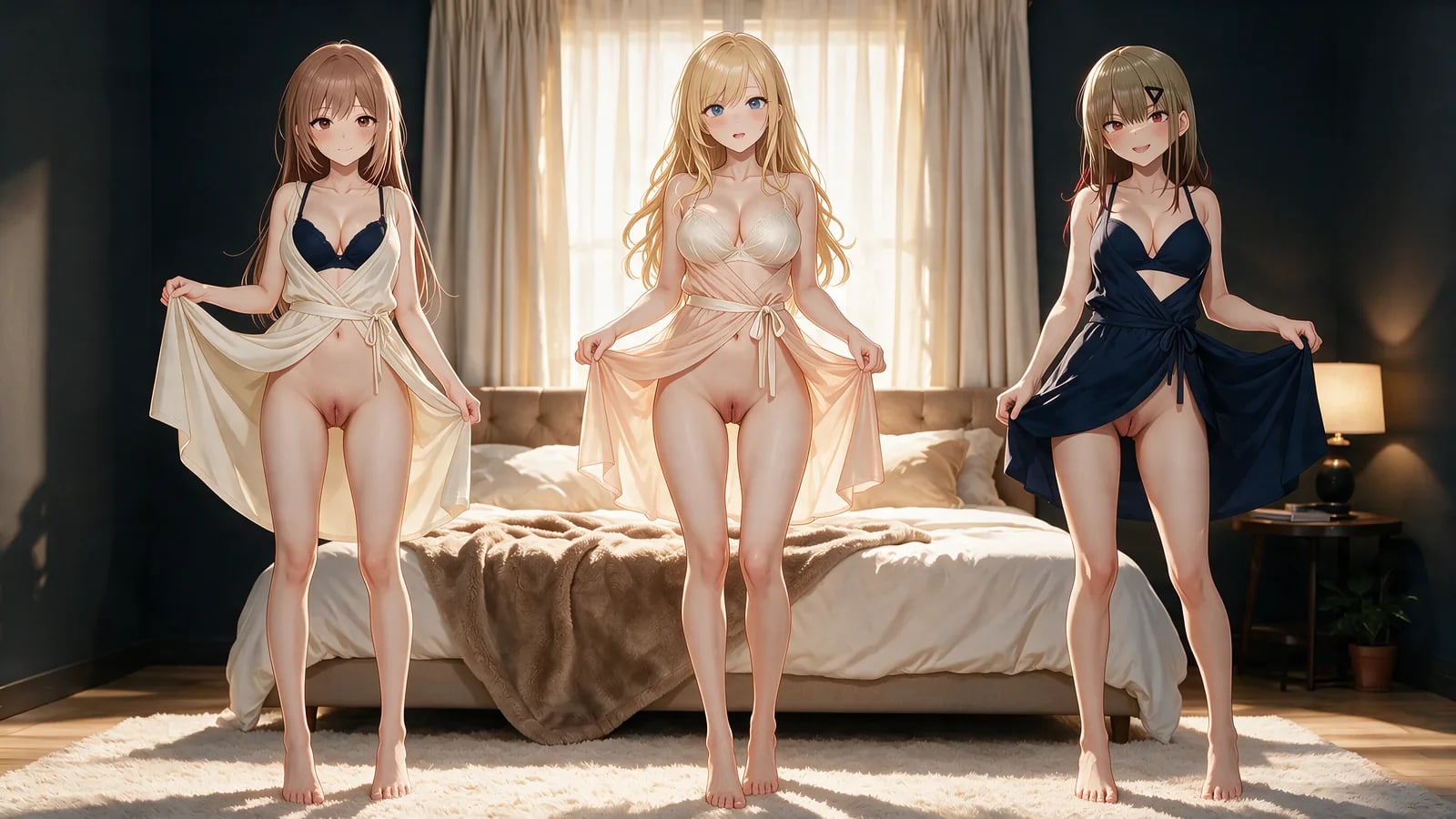
Bedroom fabric, dressing-room mirrors, shower steam — environments that change how cloth moves and how skin takes light Continue on Hajima AI.
Nude loft hold to 15-second pose video
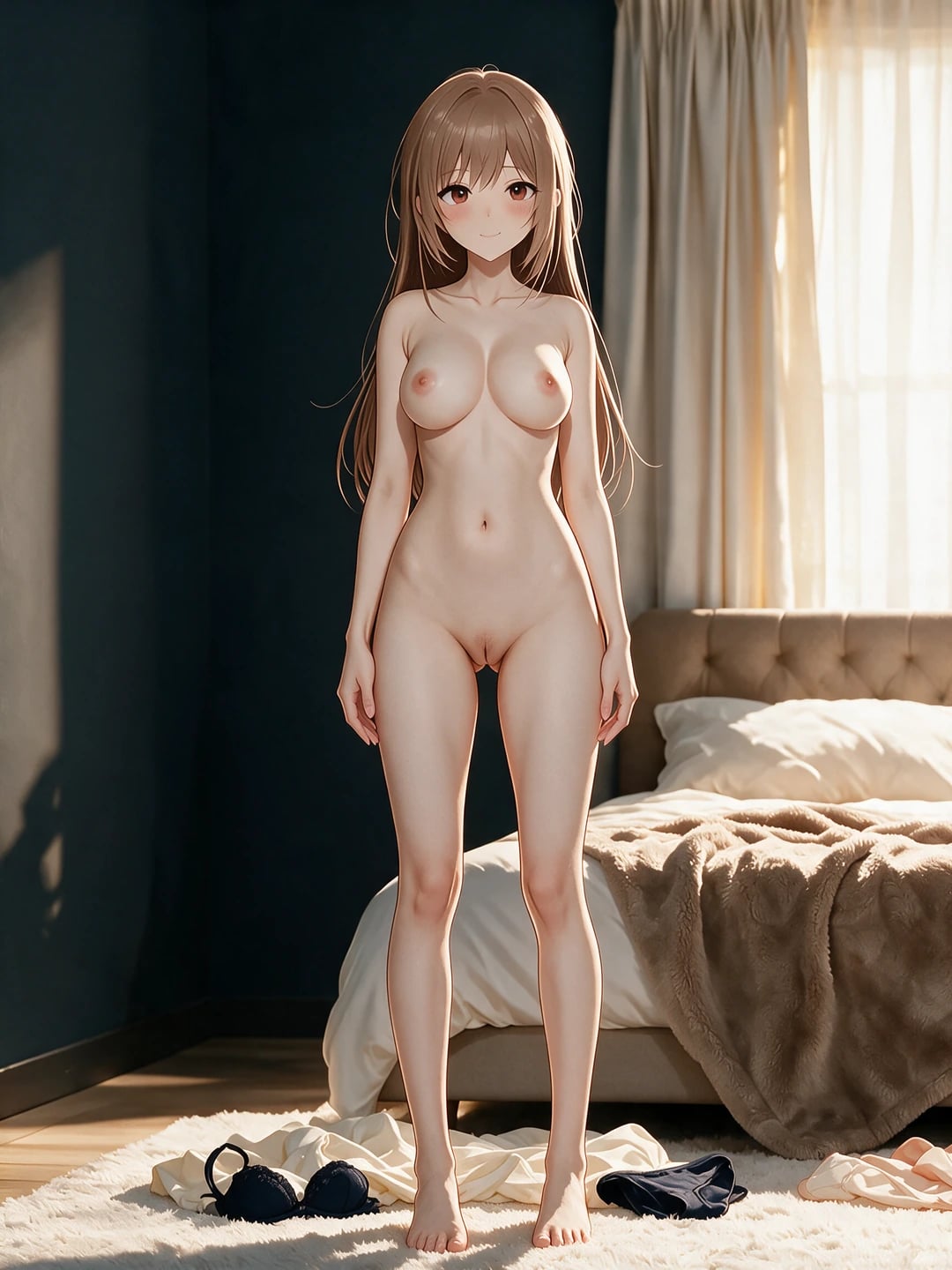
The explicit nude end-state still animates into a 15-second upright path with weight shifts, a small step, and settled garments behind her heels.
Nude suite hold to 15-second walk video
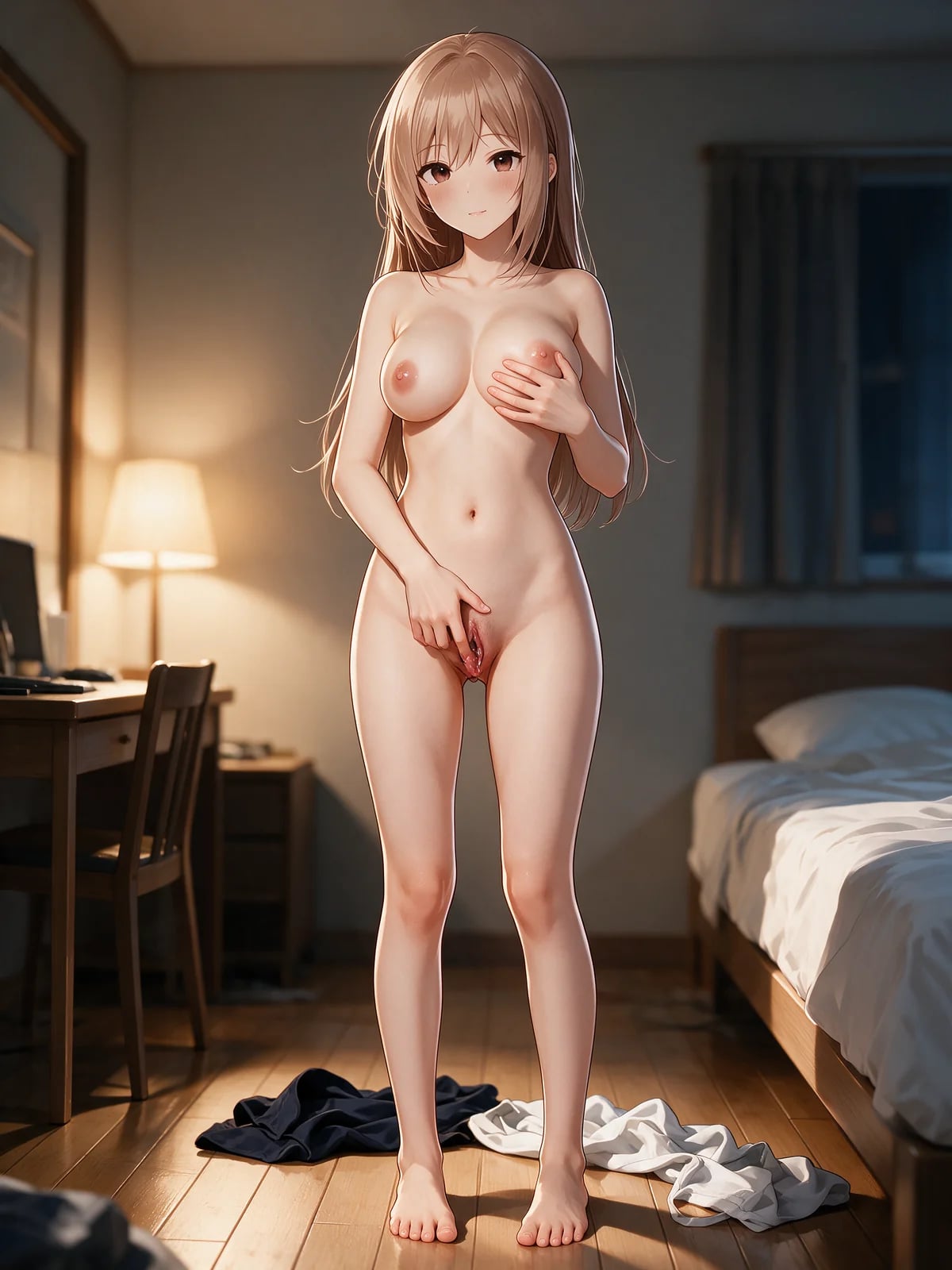
The explicit nude end-state still becomes a 15-second lateral walk with two steps left, unobstructed anatomy, and removed garments behind her heels.
Still-frame clothing control
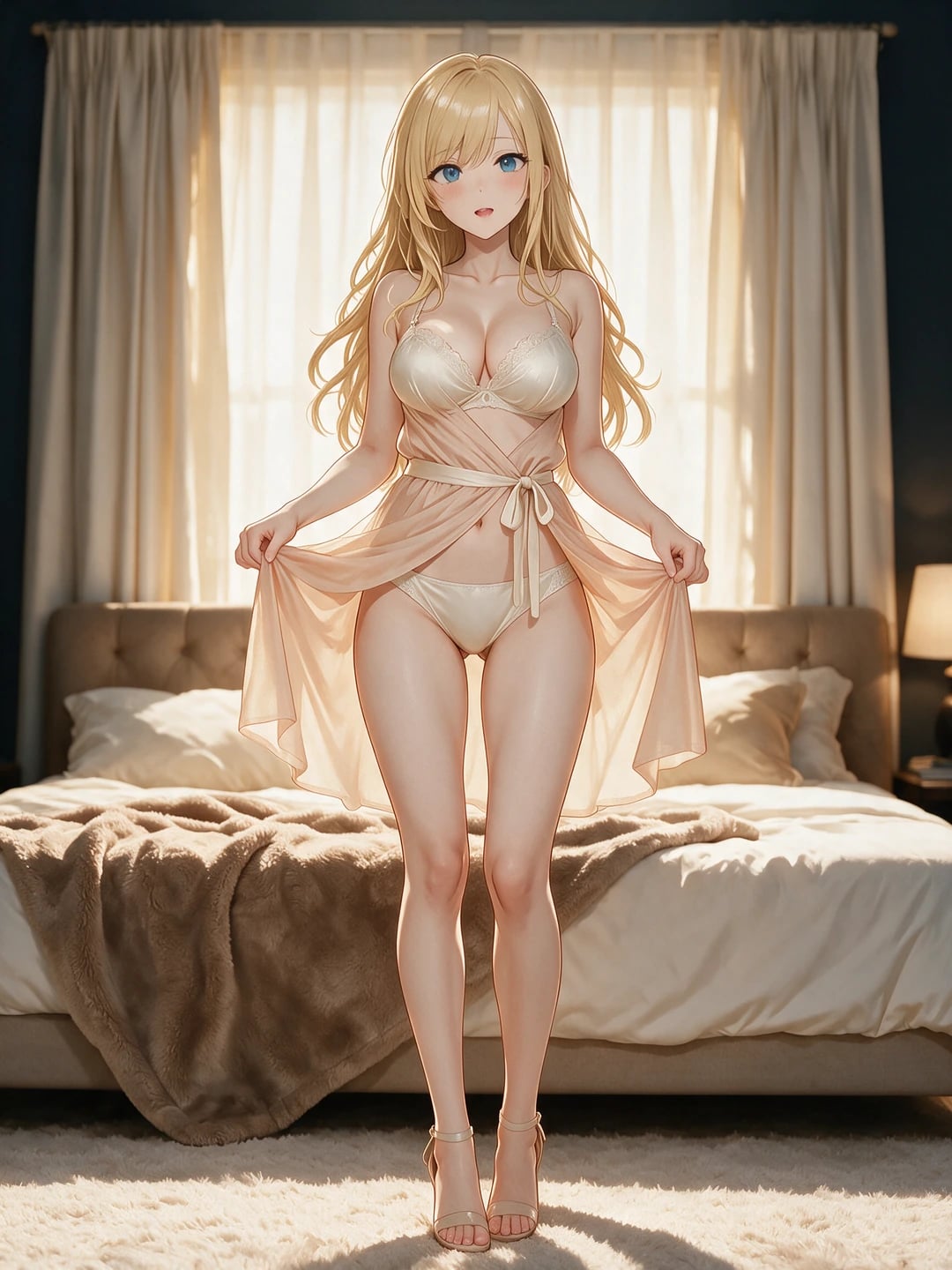
Name the start garment, the target state, and what must stay hers — composition and identity locked while the clothes change.
 Loading…
Video that shows the path
Duration, resolution, and clothing-state progression for a reveal that moves through time instead of jumping to the end.
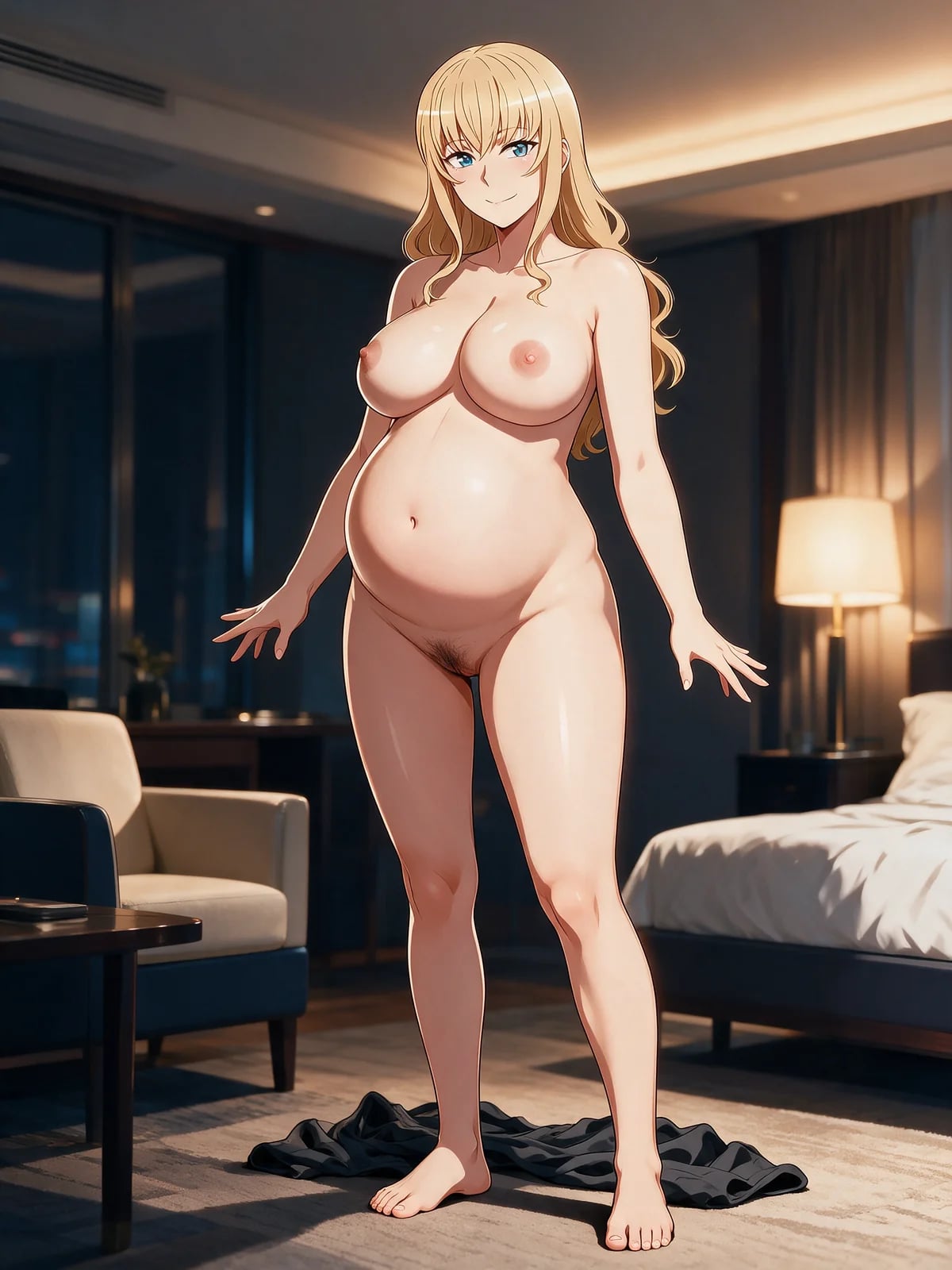 Loading…
Clothing state under your command
Keep her face, hair, proportions, pose, hands, camera, light, and room. Change only the garment path — what opens, what leaves, what the final nude or partial state is Continue on Hajima AI.
Video needs the transition: hands on fabric, straps lowering, material folding, clearance from shoulders and hips, then the settled end. Missing beats feel like unrelated stills.
Write the transformation as visible stages
Start with the source identity and exact initial garment. Define whether the desired frame is partially opened, lingerie, topless, bottomless, or fully nude, then state the final pose, hand placement, expression, and camera distance. When continuity matters, list the unchanged face, hair, body, light, and set Continue on Hajima AI.
Write the opening pose and exact starting garment first. Add two or three intermediate beats that describe hand placement, fabric tension, direction of removal, body movement, and expression. Then specify the final nude or partially nude pose and how long the shot settles there.
Character state studies
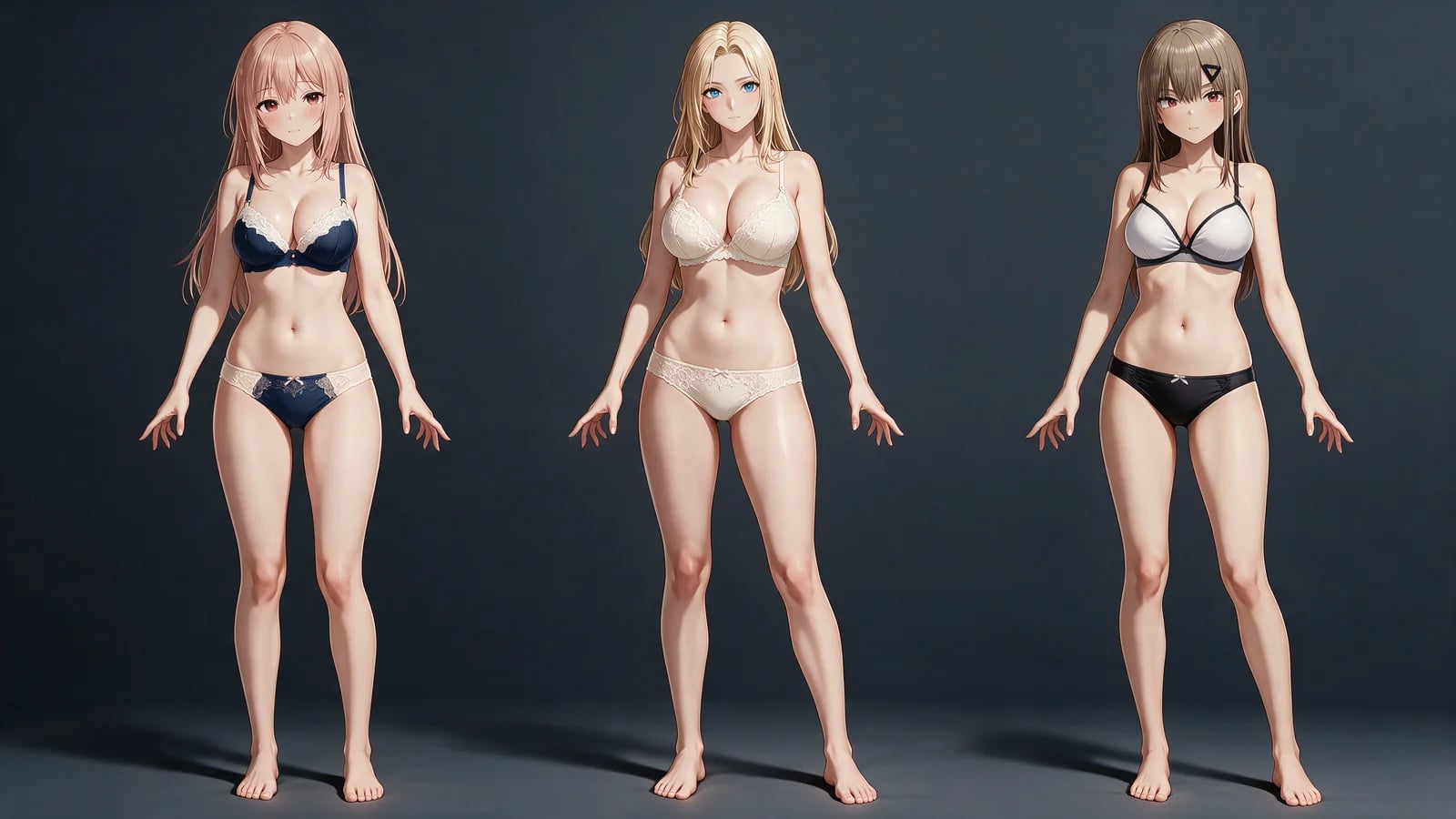
Plan dressed, partially undressed, lingerie, and nude variants while preserving one recognizable original character Continue on Hajima AI.
Manga scene preparation
Define the exact pose, camera, clothing state, room, and light before building a longer page sequence.
Adult anime event sequences
Plan one controlled clothing-removal performance for a visual novel, manga promotion, or character scene.
Keyframe briefs
Translate a loose motion idea into ordered opening, transition, reveal, and ending images for production.
What the workbench puts in your hands
A source identity that stays locked
One readable character reference — face, hair, body, palette, accessories that must not drift Continue on Hajima AI.
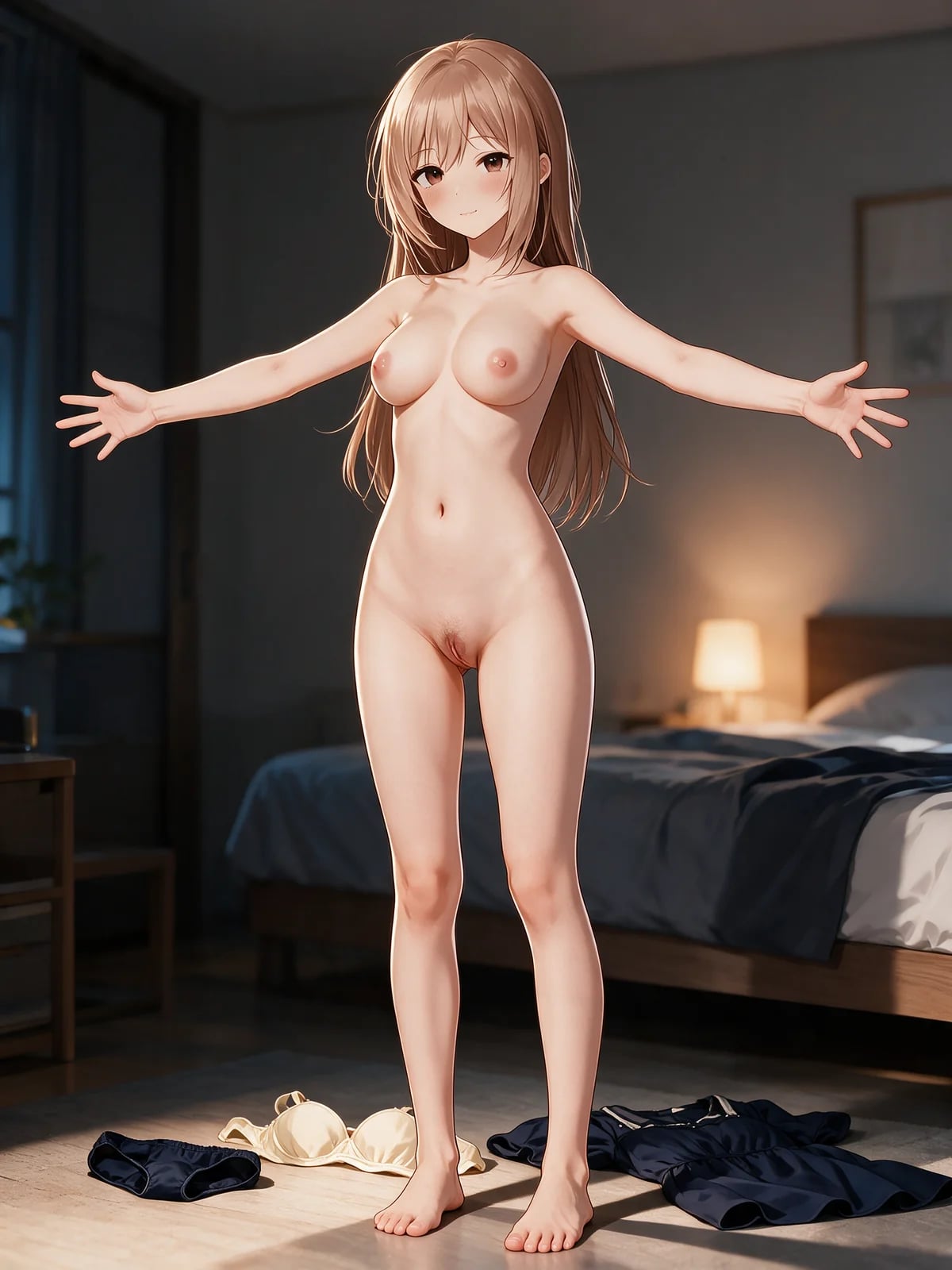 Loading…
A clothing transition you named
Initial garment, partial or complete removal, and the exact final clothing state — written as the job.
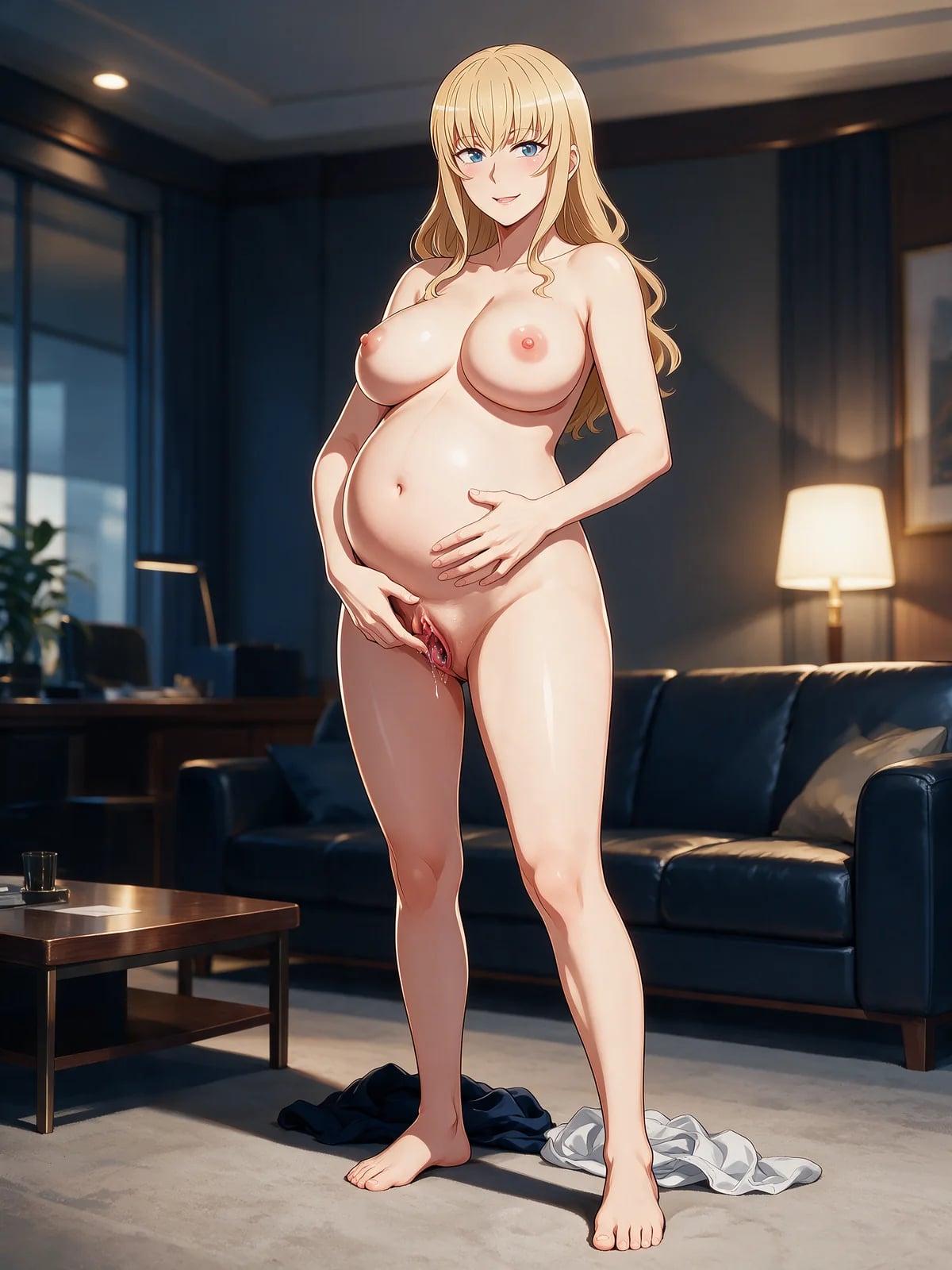 Loading…
Keyframe path for image or video
Hand contact, garment travel, fabric deformation, expression, and clothing state at each beat when motion matters.
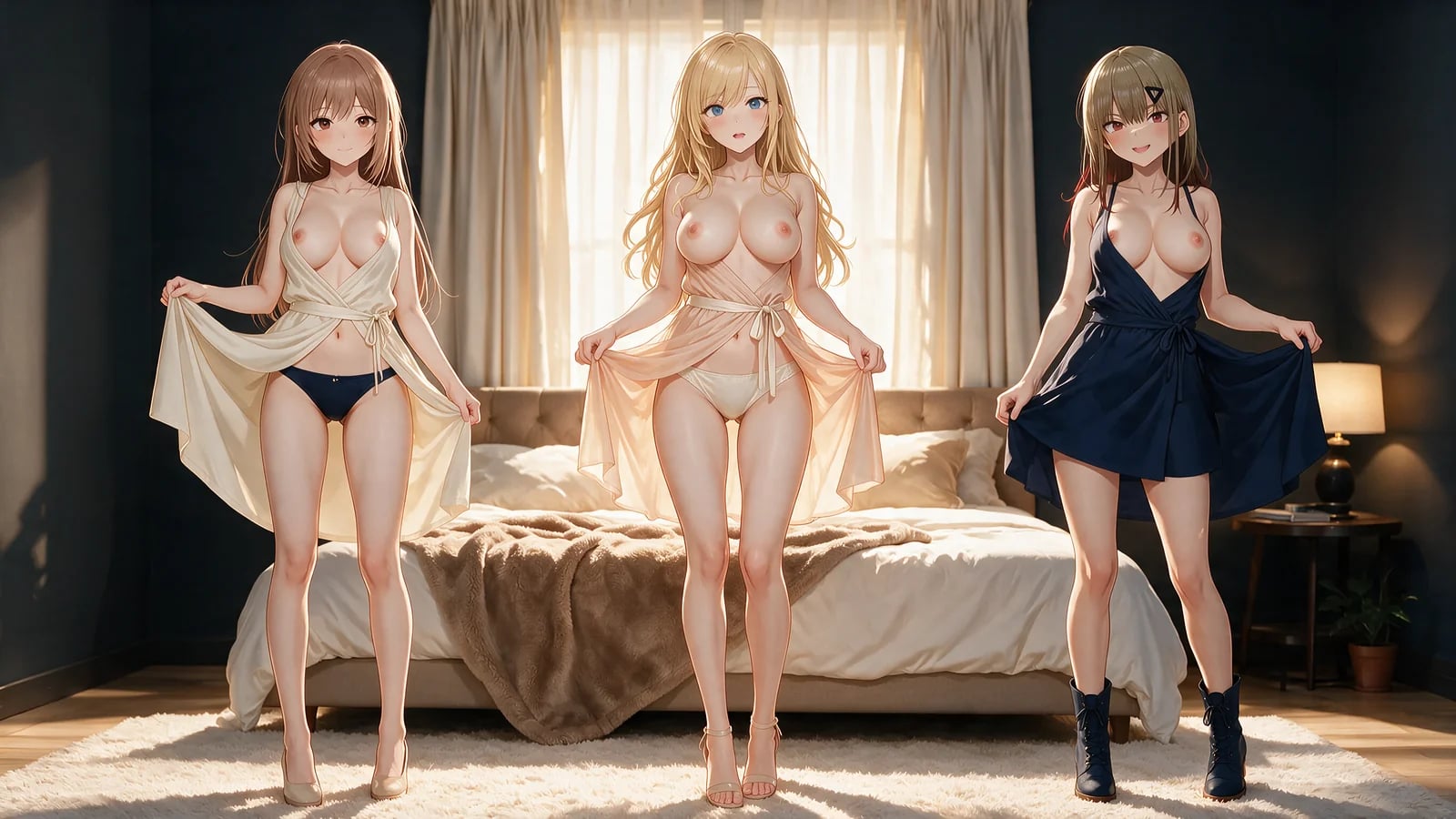 Loading…
An ending you can review
Final nude or partial pose, settling, identity, anatomy, and garment location before submission Continue on Hajima AI.
 Loading…
Explore more on Hajima AI
Keep creating across Hajima AI — images, video, characters, and more features as the studio grows.
 Loading…
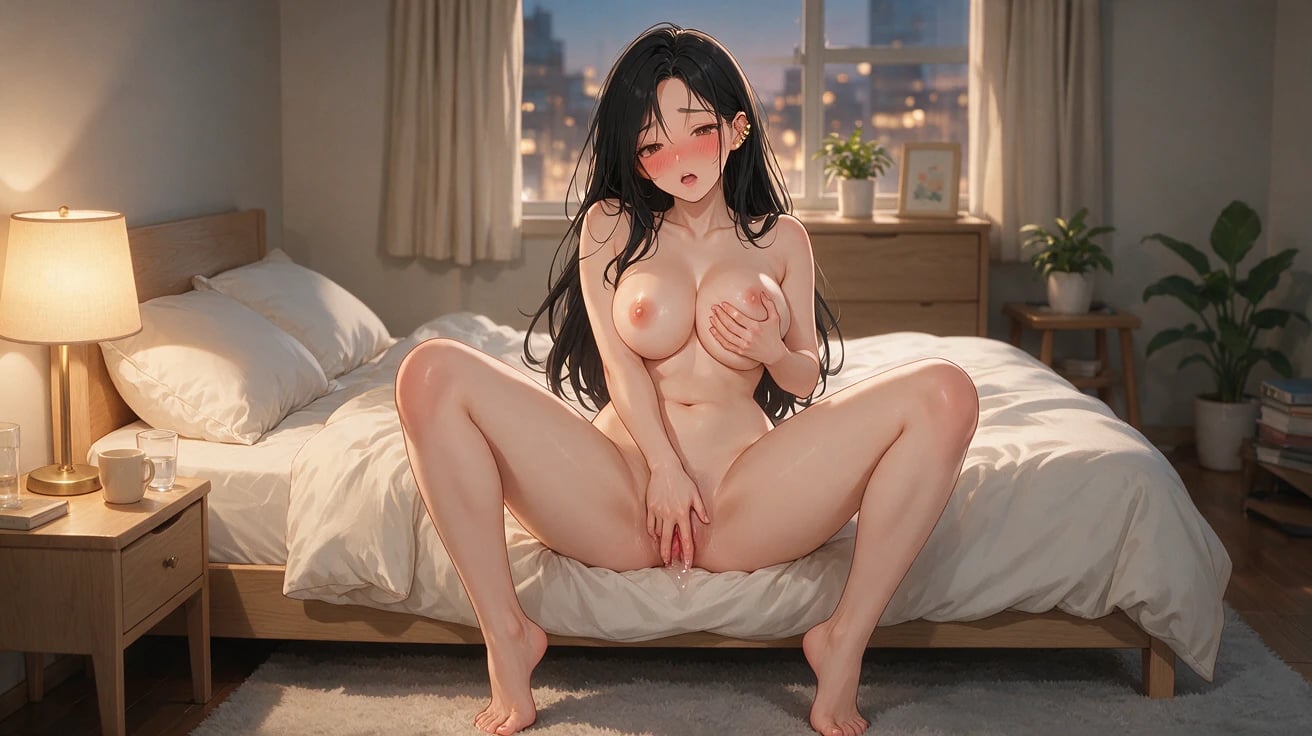
NSFW anime stills with create or edit control — sharp poses, wardrobe, and camera.
 Loading…
Turn one first frame into directed adult motion with duration and camera under you.
 Loading…
Build a reloadable girlfriend profile, then pull a 1024×1280 first portrait.
 Loading…
 Loading…
Lock one anime identity to a real performance — face, body motion, timing intact.
Frequently asked questions
01Can I generate an undress on this page now?
Yes. Choose an image or video method, add its required source media, select the target clothing state, and review the preview and controls before submission Continue on Hajima AI.
02Which input does the generator require?
Image edit and Spicy I2V use a source image. KIE I2V accepts a first frame or continuation clip, R2V accepts reference images or videos, and Video edit requires a source video. Missing inputs block submission.
03What can I control for an undress image?
Target clothing state, source identity and composition preservation, and Professional mode when you need Seed control.
04What can I control for an undress video?
Clothing-state progression, duration, resolution, negative prompt, audio, Prompt Extend, and Seed in Professional mode.
05How should clothing state be described?
Name the starting garment, any intermediate removal, and the exact partially nude or fully nude end state.
06How do I describe garment motion?
Track hand contact, fabric tension, direction, deformation, clearance from the body, and garment location at every beat.
07How do I keep the camera coherent?
Use one camera idea and preserve screen direction, lens logic, body placement, eye line, and environment parallax.
08Are the images on this page personal generation results?
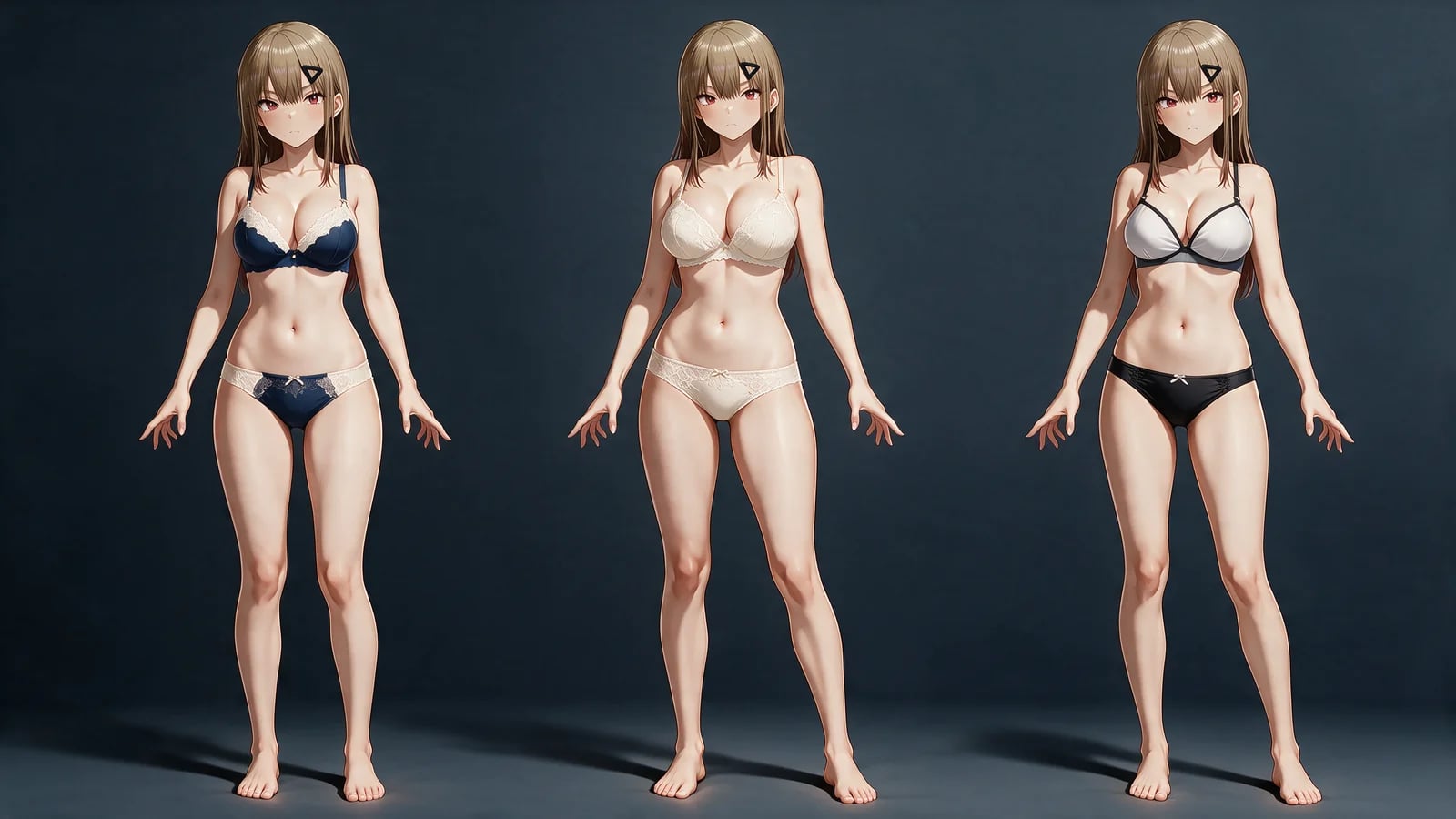
No. They are editorial clothing-state examples, not tasks from your personal generation history. Carry the undressed still into NSFW AI video or face swap, or browse adult manga on Hajima AI.
Name the clothing state. Take the reveal.
Upload once, set the visible target, then review preview, output controls, and limits before generation Continue on Hajima AI.
Open the undress workbench