
 Loading…
 Loading…
Creation workspace
LiveRestoring your setup…
Proof the clip can carry desire
Body, fabric, hair, and camera on one axis — short adult motion that feels directed, not random noise between keyframes Continue on Hajima AI.
 Loading…
 Loading…
Beats you can feel
A glance, a reveal, a push-in — compact clips with an opening pose, a middle action, and a settled close Continue on Hajima AI.
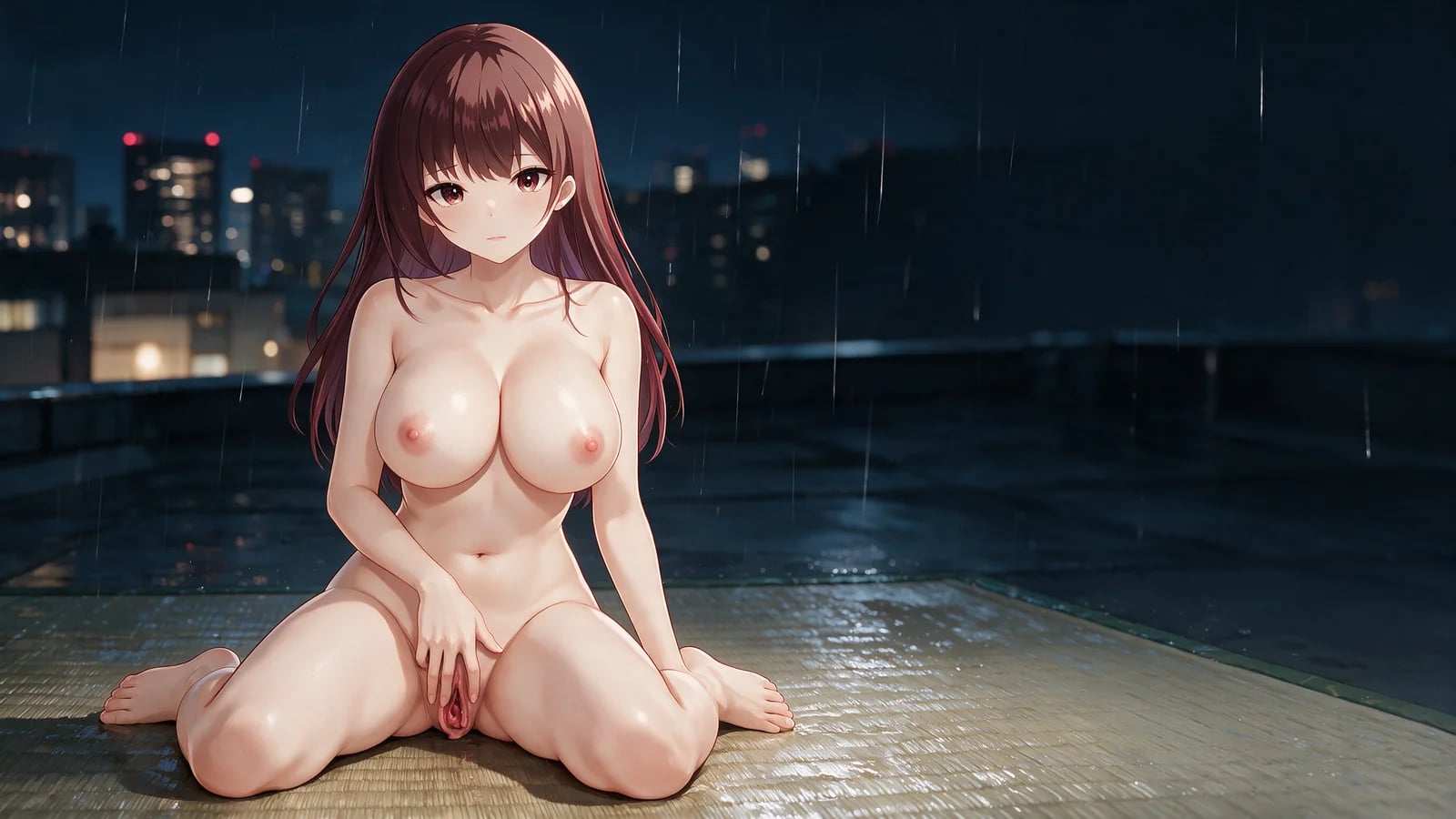
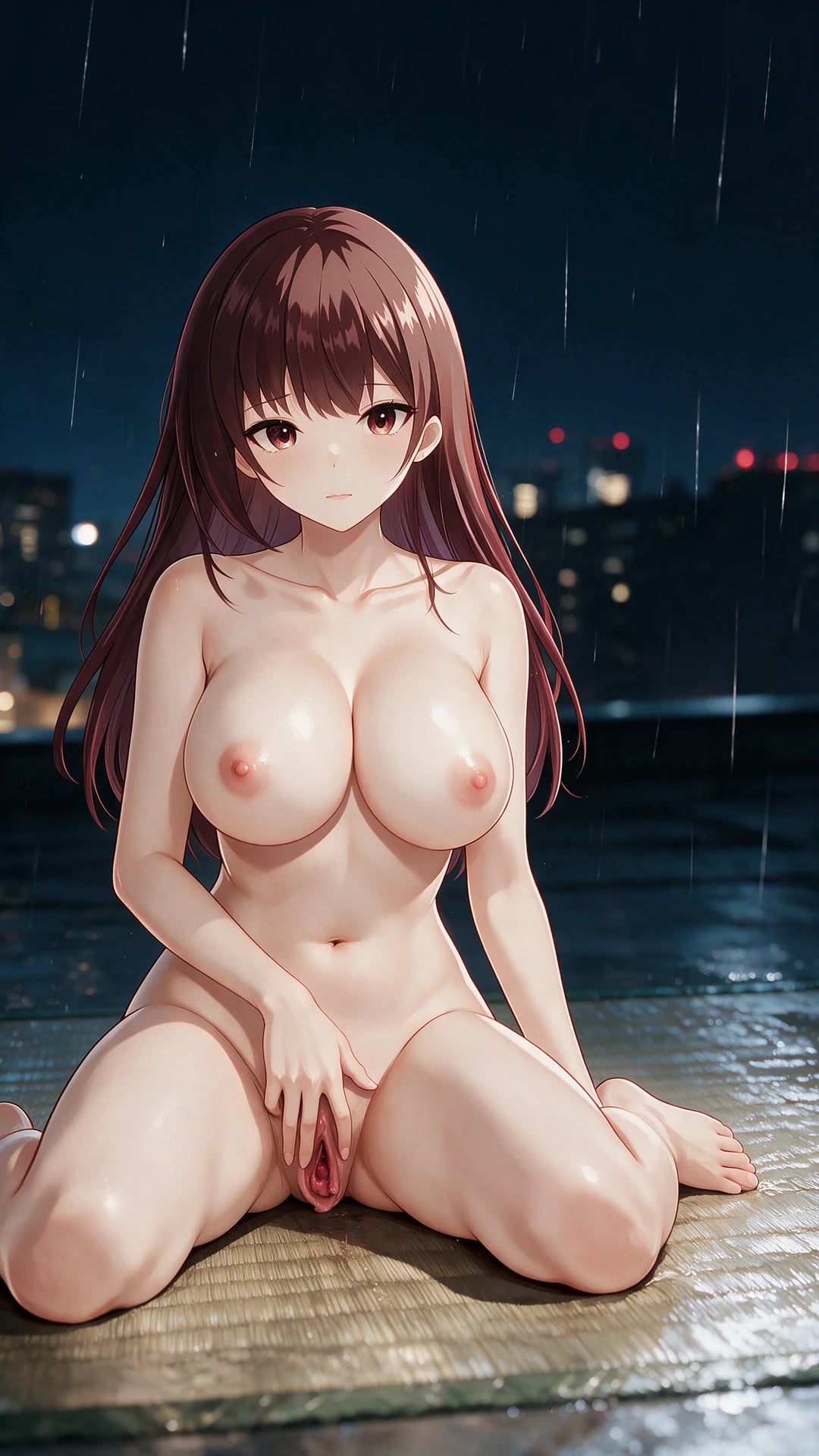
Rooftop partner still to riding video
A wide rooftop cowgirl partner still animates into a 12-second push-in riding sequence with readable penetration, rain reflections, and a stable nude ending.
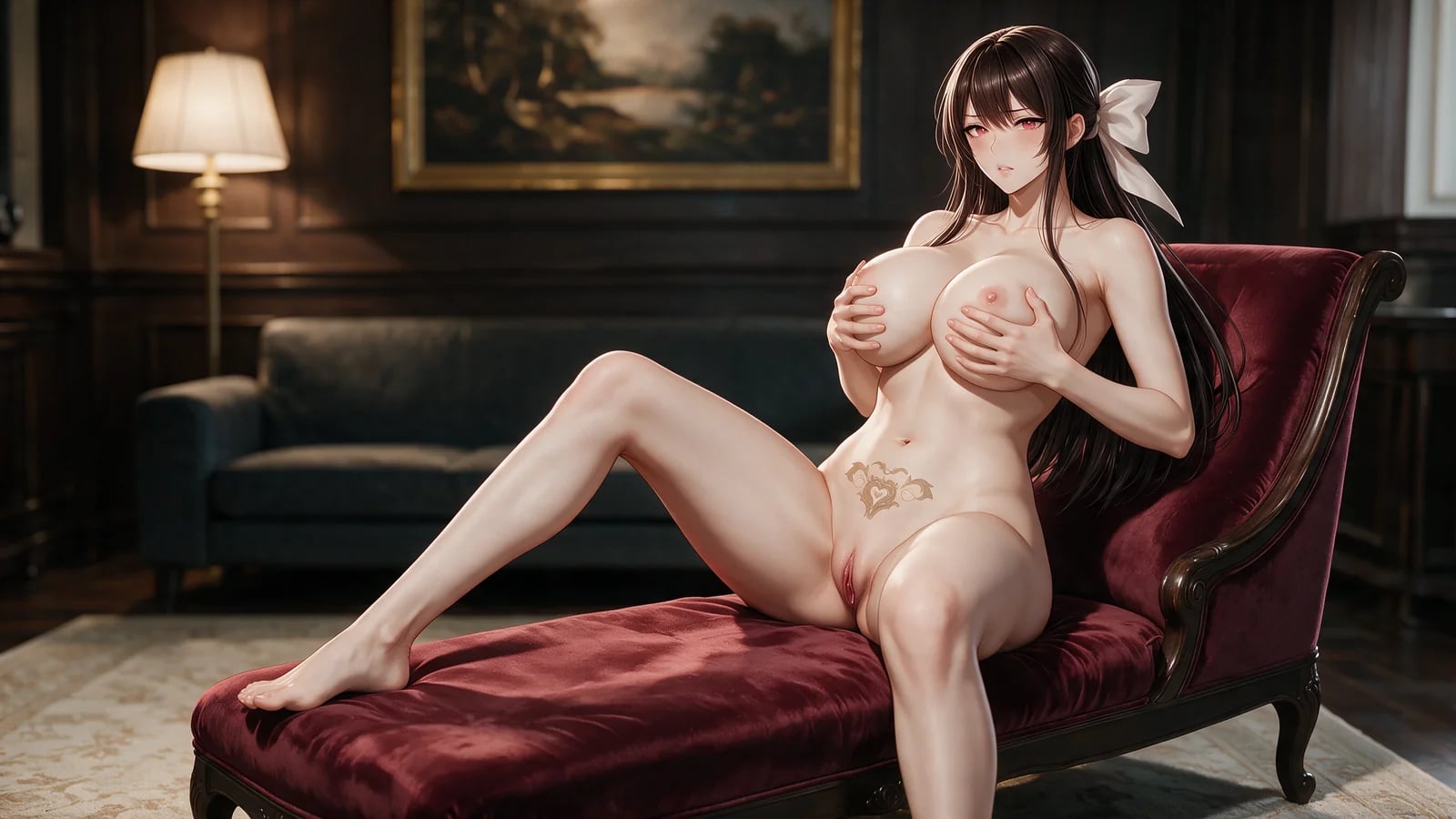
Lounge partner still to riding video
A hotel lounge cowgirl partner still becomes a 12-second lateral-track riding clip with readable penetration and warm lounge parallax.
Camera under your hand
Restrained push-in, track, orbit, or a locked frame — depth that supports the heat instead of fighting it.
 Loading…
Secondary motion that follows
Hair, straps, loose fabric, and light react to the main action so the clip stays one performance.
 Loading…
Adult motion that starts from one frame you own
Upload a first frame that already holds her body, wardrobe, and room. The prompt writes what changes: gesture, expression, secondary motion, camera travel, ending beat Continue on Hajima AI.
This is not Face Swap. Here you invent motion from a still. Face Swap needs a character image plus a driving video. Separate contracts, clearer control.
Plan motion as a sequence, not a bag of adjectives
Begin with an opening frame that already solves character design and composition. Write one primary action, then specify screen direction, speed, camera movement, hair or garment follow-through, and the final settled pose. A short timeline can attach important beats to seconds inside the selected duration Continue on Hajima AI.
Upload optional audio only when it belongs to the intended clip. Review the first-frame preview, selected recipe, resolution, duration, audio setting, timeline, and model-specific settings before confirming the job.
Character teaser loops
Turn one polished character frame into a short reveal, gesture, reaction, or direct-to-camera moment Continue on Hajima AI.
Manga promotion
Animate cover art or a chapter key visual with controlled camera movement and limited character motion.
Visual-novel inserts
Create compact transitions or mood clips that retain the source palette, costume, and environment.
First-frame experiments
Compare how different opening compositions support motion before investing in a longer creative sequence.
What the clip delivers
A first frame built to move
Sharp subject, complete composition, anatomy that can travel — room for the motion you want Continue on Hajima AI.
 Loading…
One motion plan, one hunger
Main action, camera path, screen direction, secondary movement, and a closing beat written as a single arc.
 Loading…
Duration and resolution you chose
720p or 1080p, two to fifteen seconds, with duration and resolution locked before you commit.
 Loading…
An exact job you confirm once
First frame, selected recipe, timeline, audio, and resolution — one submit, no silent rewrite Continue on Hajima AI.
 Loading…
Explore more on Hajima AI
Keep creating across Hajima AI — images, video, characters, and more features as the studio grows.
 Loading…
NSFW anime stills with create or edit control — sharp poses, wardrobe, and camera.
 Loading…
Build a reloadable girlfriend profile, then pull a 1024×1280 first portrait.
 Loading…
 Loading…
Lock one anime identity to a real performance — face, body motion, timing intact.
 Loading…
 Loading…
Image or video clothing-state results with identity held and the reveal under control.
Frequently asked questions
01What input does the video generator need?
One clear first frame. It anchors the subject and opening composition while the prompt directs movement, camera travel, and the ending Continue on Hajima AI.
02Can I use a driving video on this page?
No. Character-plus-driver motion transfer lives on Face Swap AI.
03Can a URL or saved preset change this workflow?
No. Unsupported URL, saved-state, preset, or hydration values return to this page’s first-frame image-to-video workflow.
04What input is required?
A readable first-frame image is required. Optional audio can be added when the job supports it.
05How do I keep identity in AI image-to-video?
Start from a readable first frame and describe motion that continues the same face, body, and clothing state through the NSFW clip on Hajima AI.
06What duration can I select?
The current studio supports short clips from two to fifteen seconds.
07Are the editorial storyboards real generated outputs?
No. They explain motion planning. The labeled showcase identifies actual generated examples separately.
08What happens when a video job fails?
The failed or unresolved state stays visible. No automatic retry and no substitute output. Pair finished clips with NSFW face swap, or start from adult manga characters on Hajima AI.
Give the still a body that moves.
Pick a frame that can travel, write the arc, then confirm duration, resolution, and audio Continue on Hajima AI.
Open the video studio