
 Loading…
Video templates39
Choose an action preview, then add the image that should become the video’s first frame.
How the image workflow works
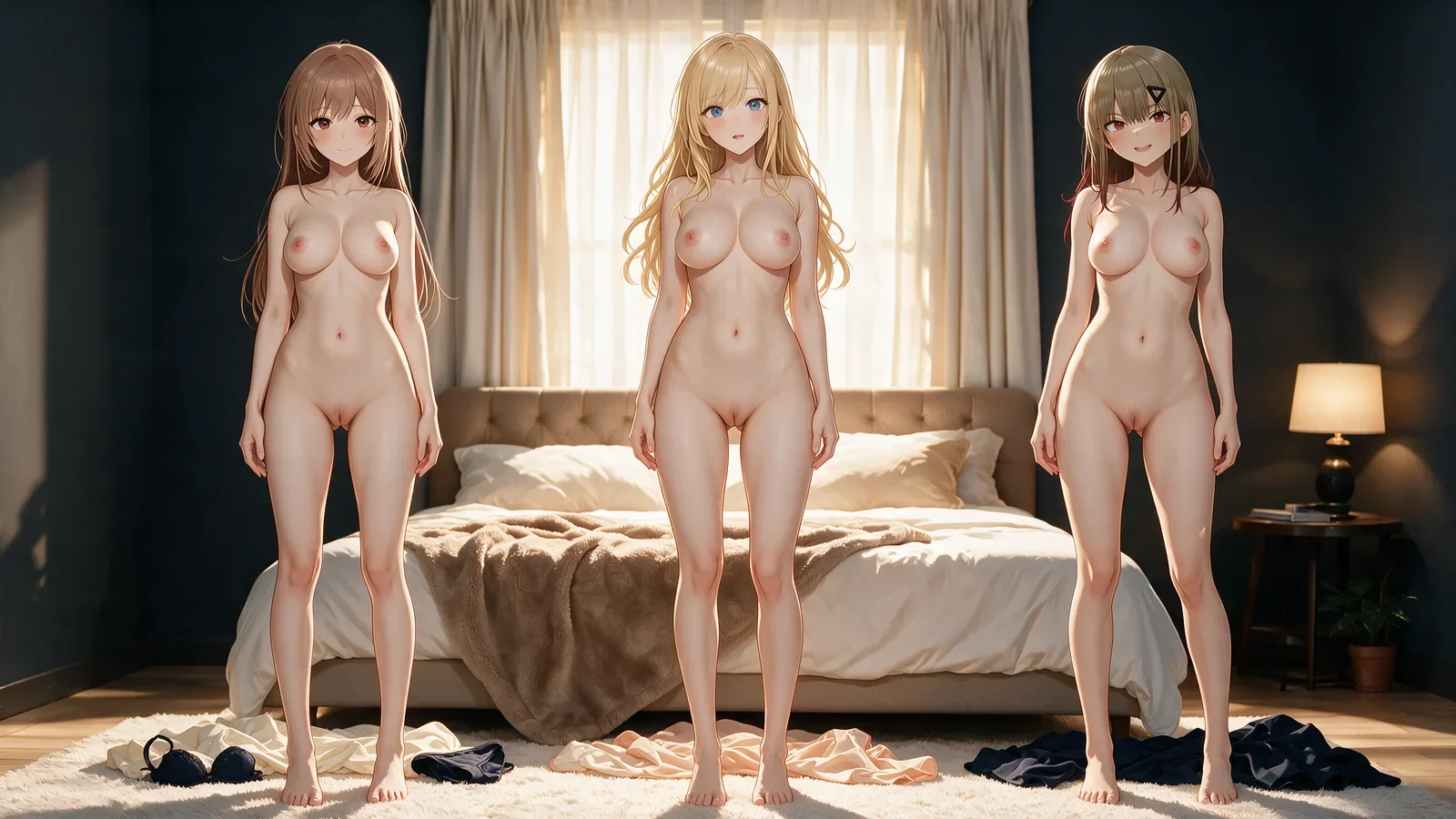
Hentai AI is an image-focused workflow for adult anime and manga illustration. An AI hentai generator turns a written scene into a new composition, while a hentai image generator with reference input can carry visible character traits, palette, or framing into a controlled edit.
Start by deciding whether the image should be authored from text or guided by a reference. Then separate the subject, action, art direction, camera, and details that must stay unchanged. That structure gives the linked image generator clearer instructions and makes revisions easier to compare.
Image examples
Start by deciding whether the image should be authored from text or guided by a reference. Then separate the subject, action, art direction, camera, and details that must stay unchanged. That structure gives the linked image generator clearer instructions and makes revisions easier to compare.
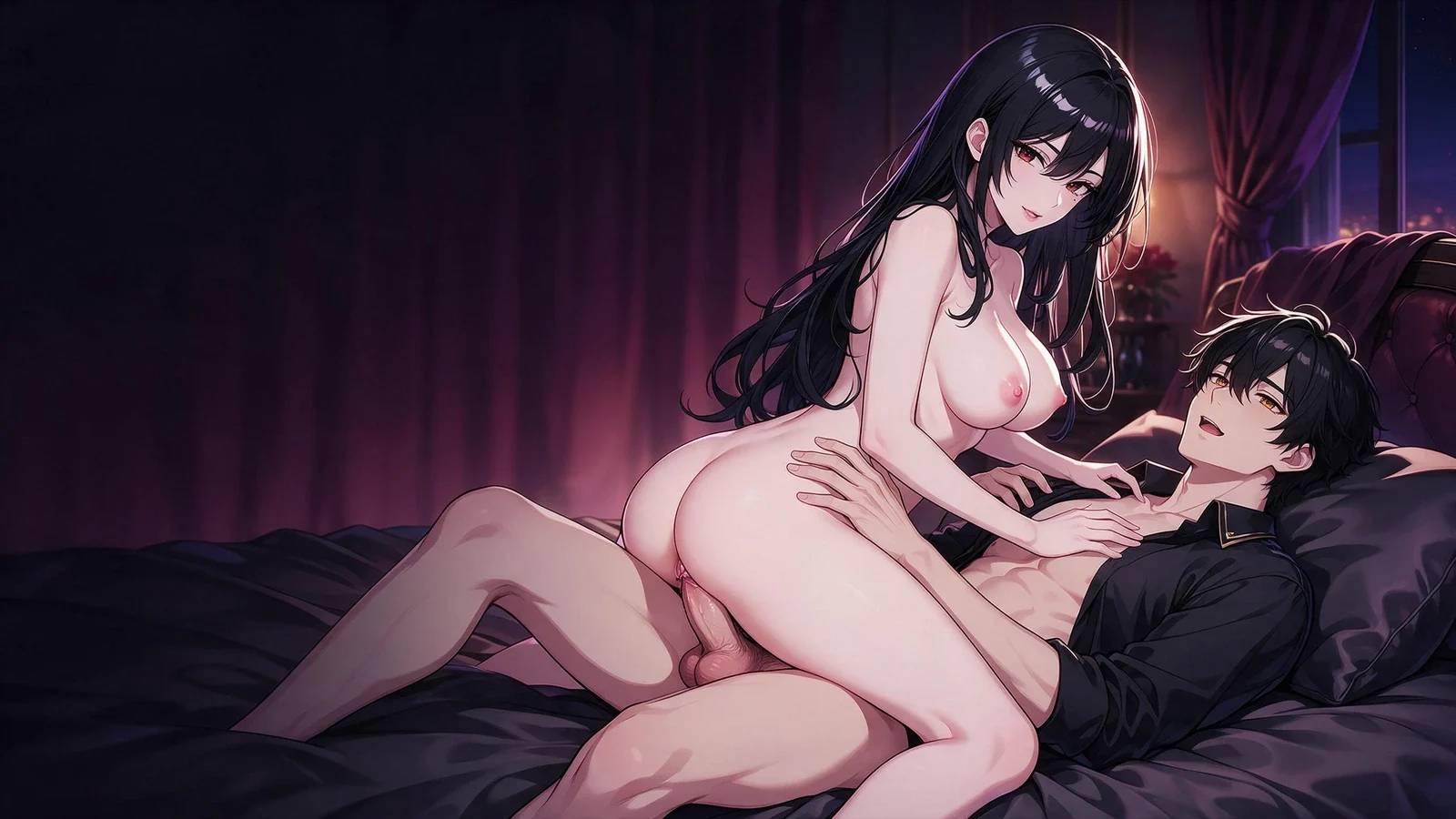
 Loading…
From reference to illustration
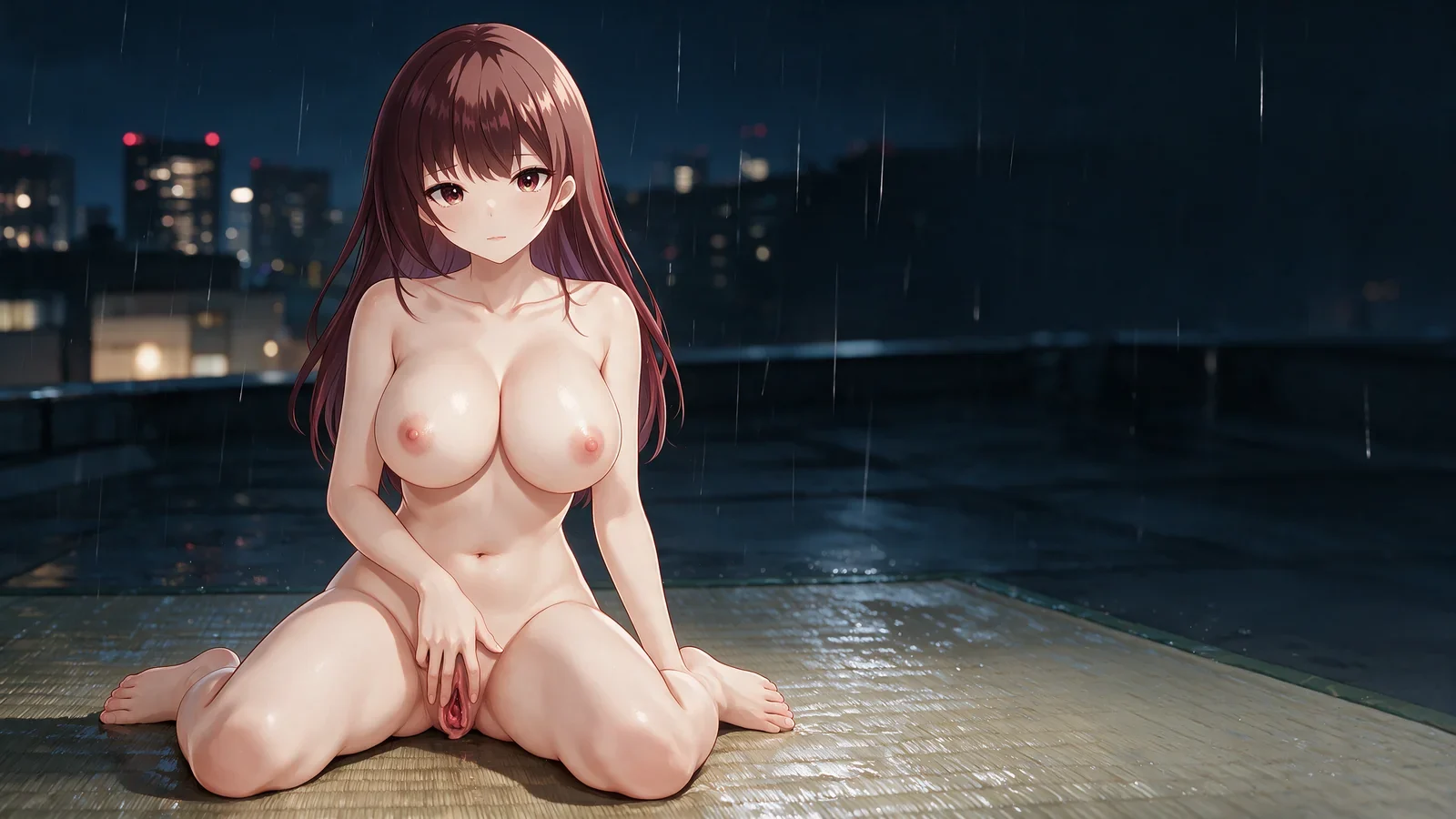
A reference-led composition that keeps the character readable while rebuilding the adult scene as a finished anime illustration.
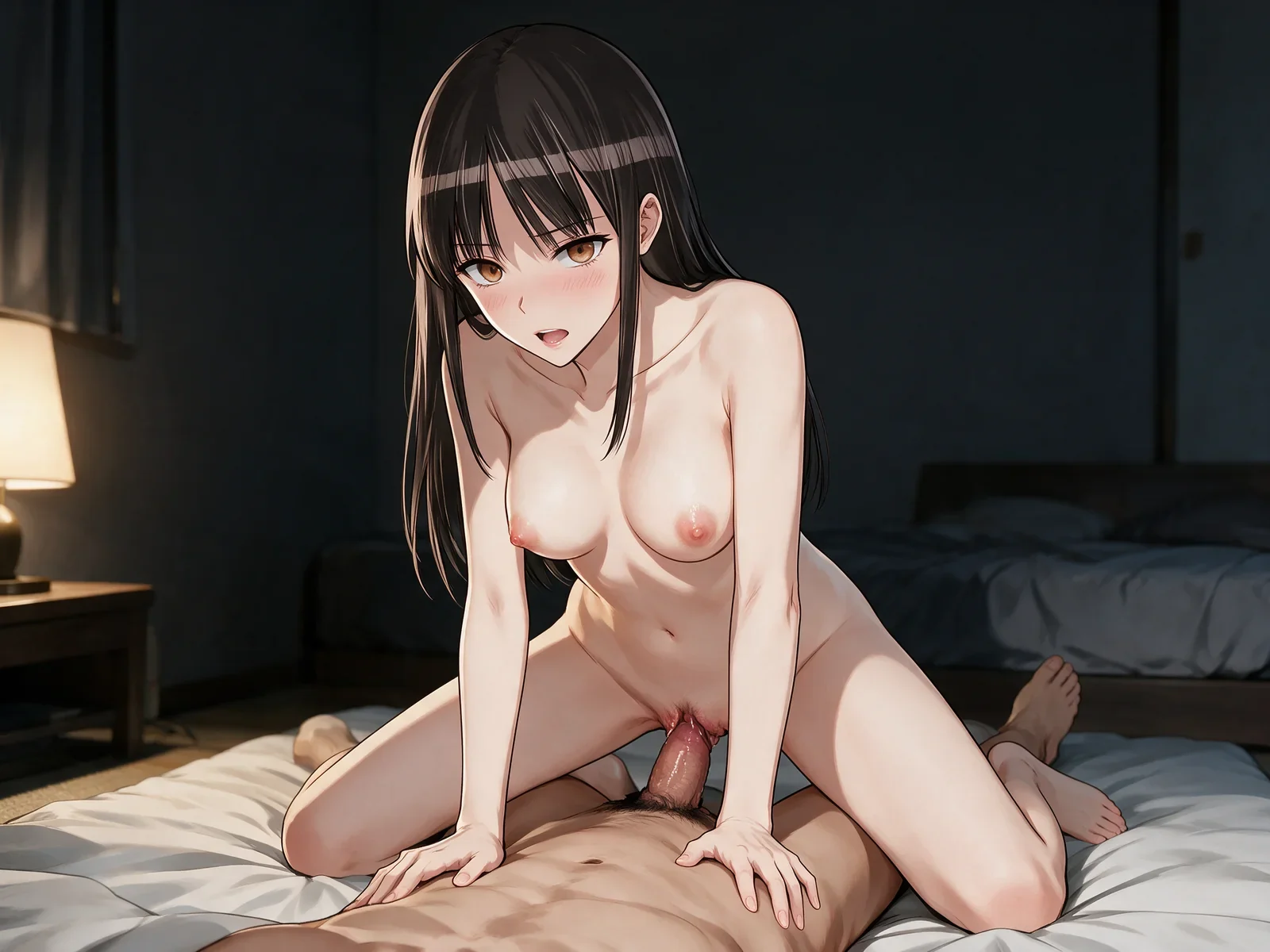
 Loading…
Edit an existing image
A controlled image edit that preserves the chosen subject and framing while changing only the requested visible detail.
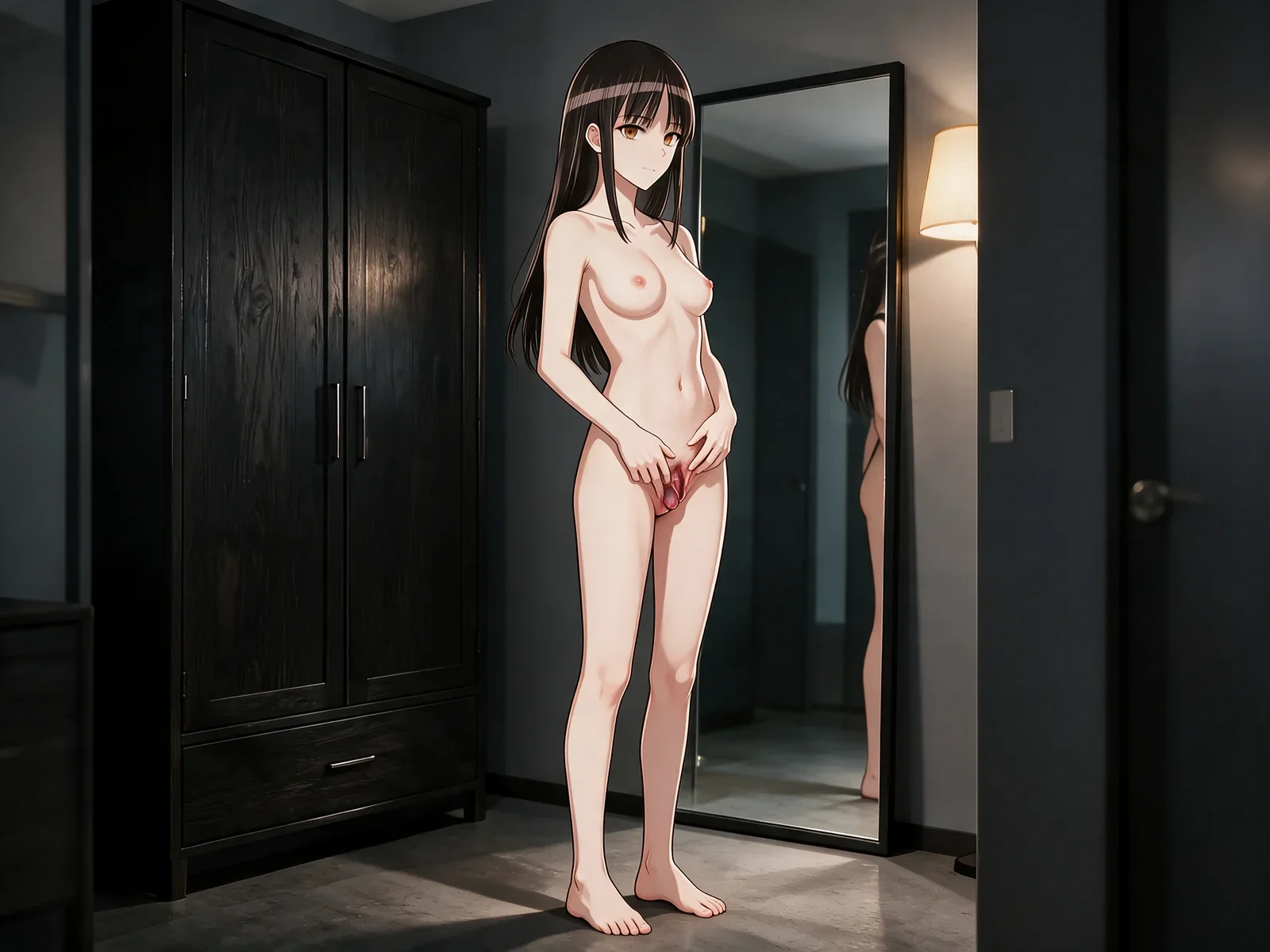
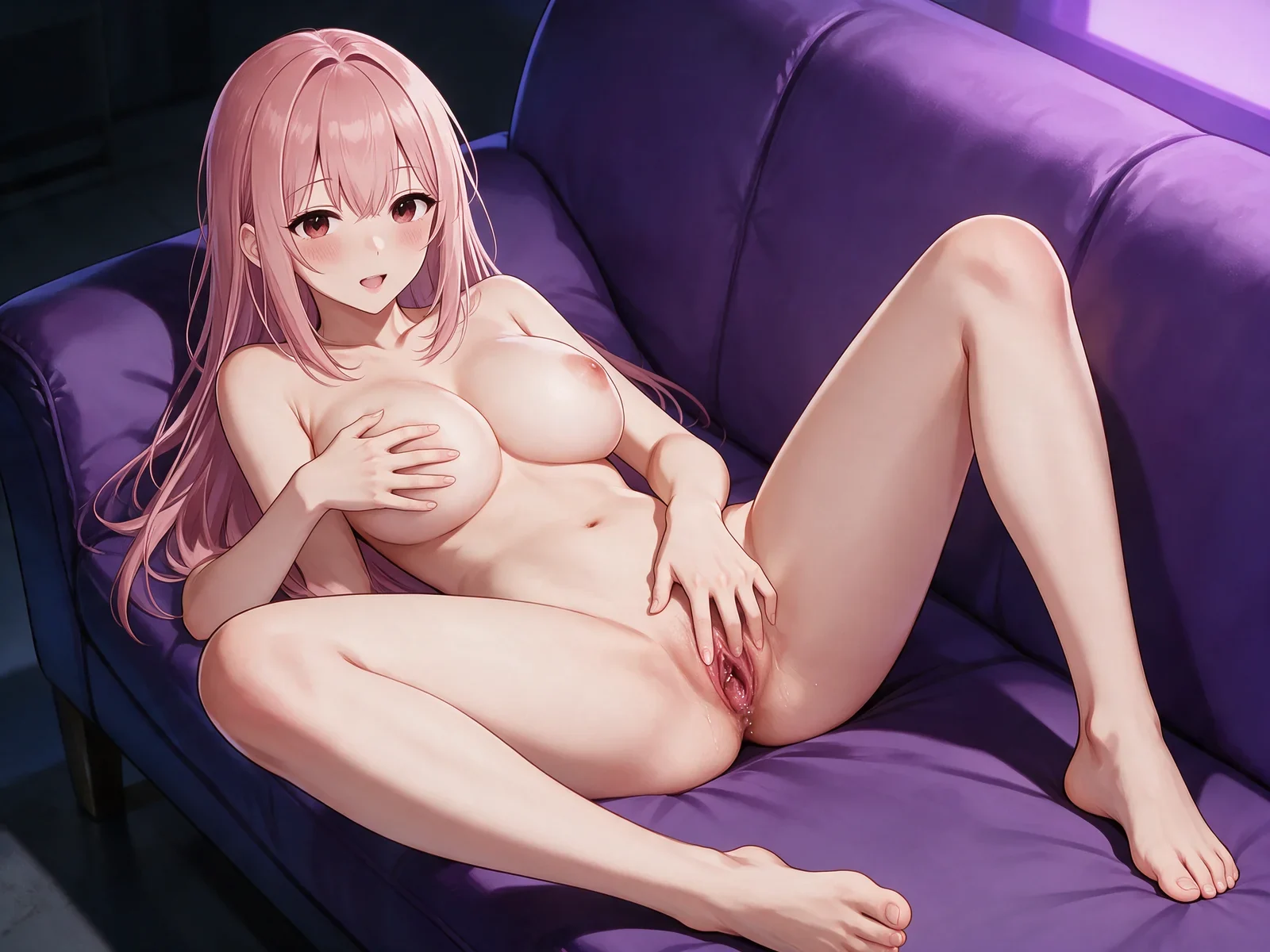 Loading…
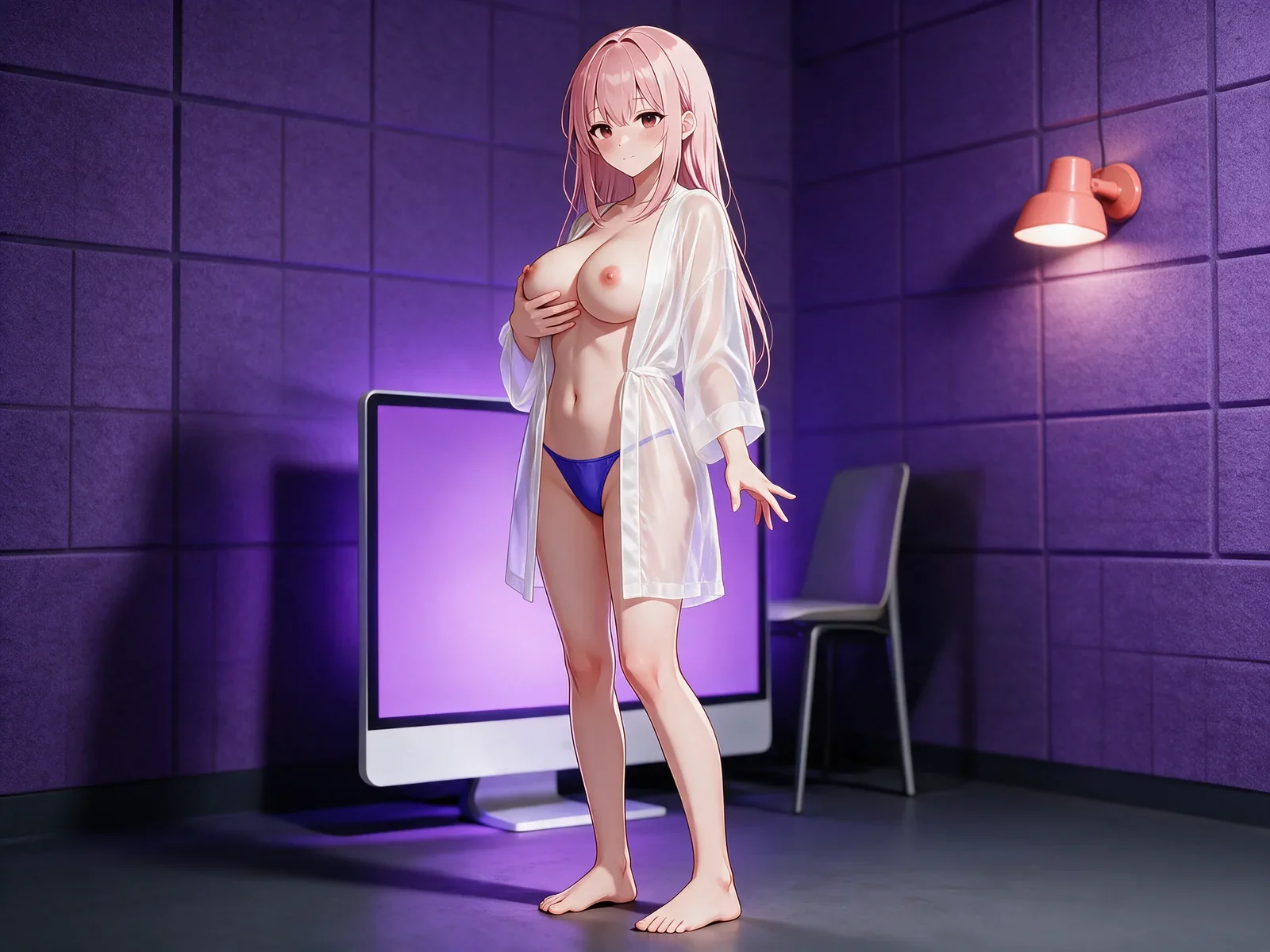
Another character and composition
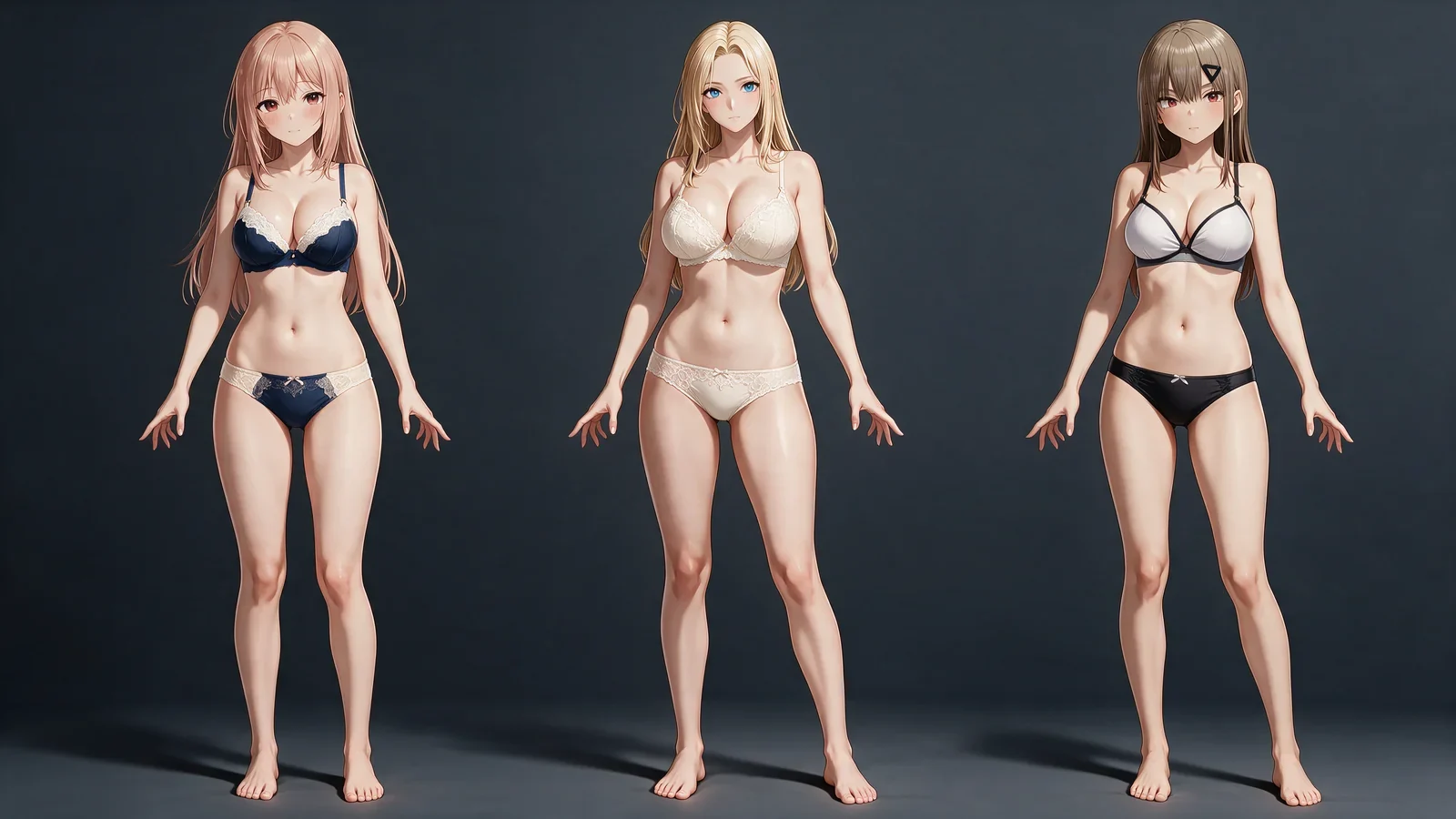
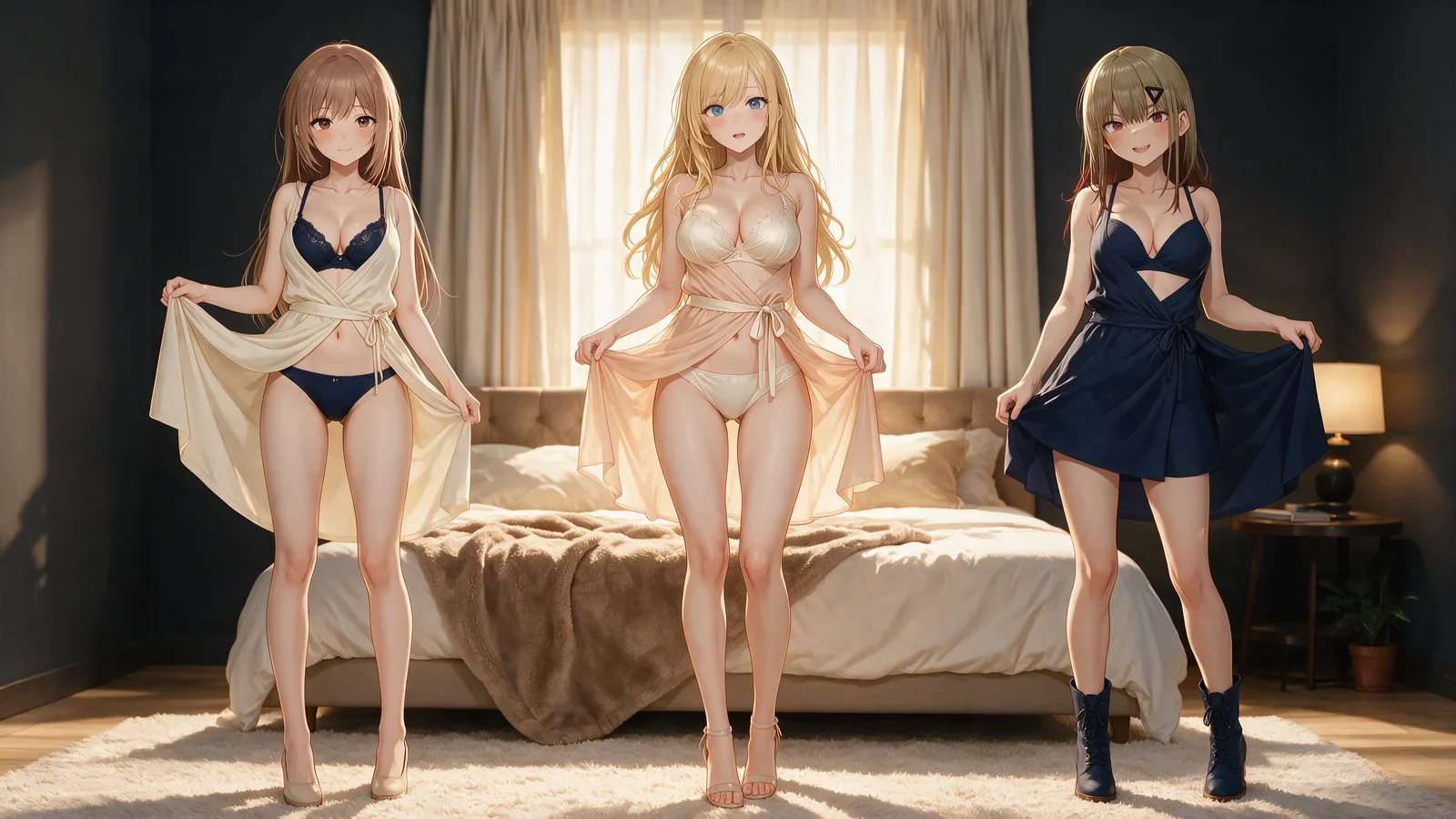
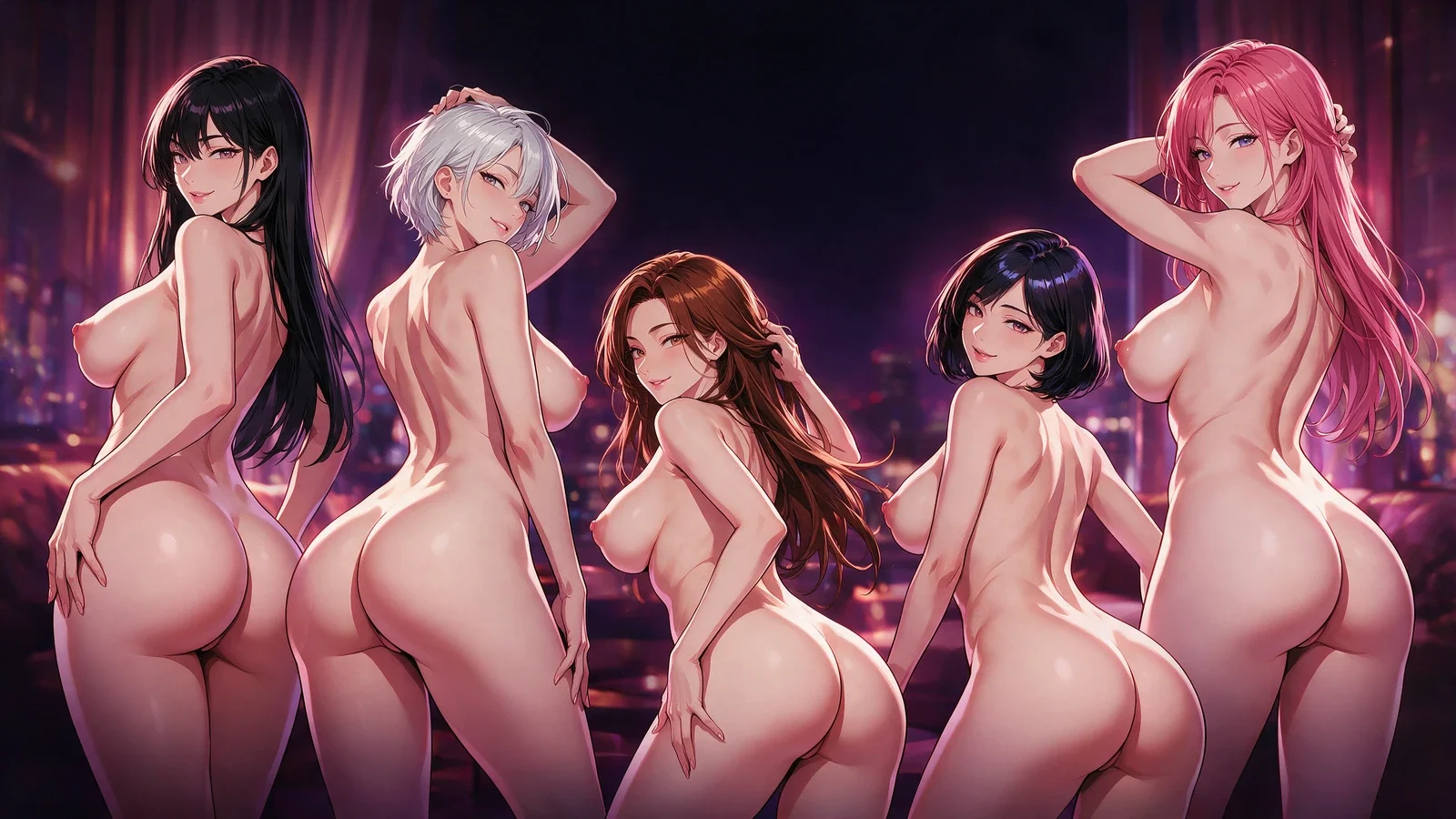
A separate character and camera setup shows how a new prompt can produce a clearly different composition.
 Loading…
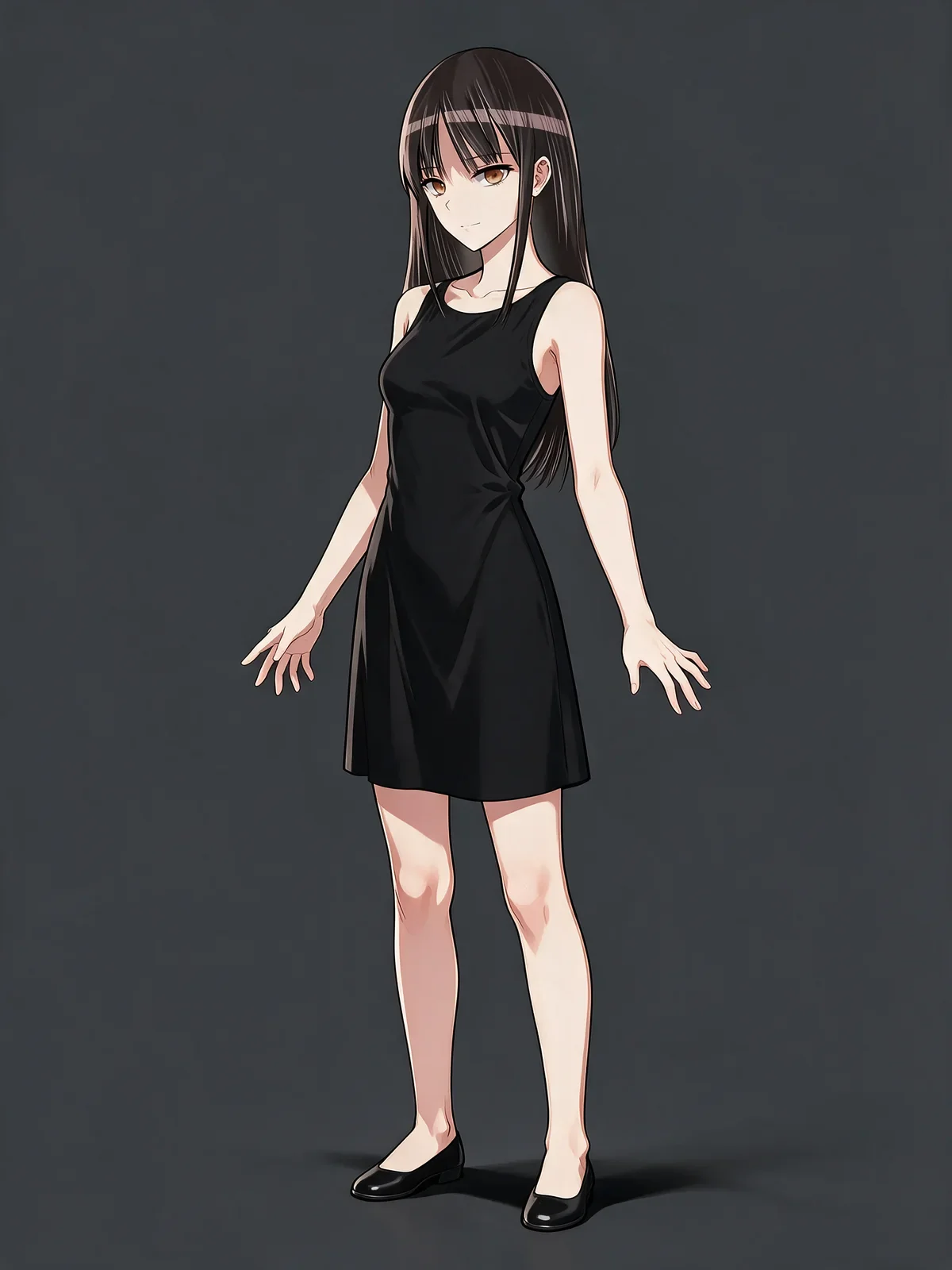
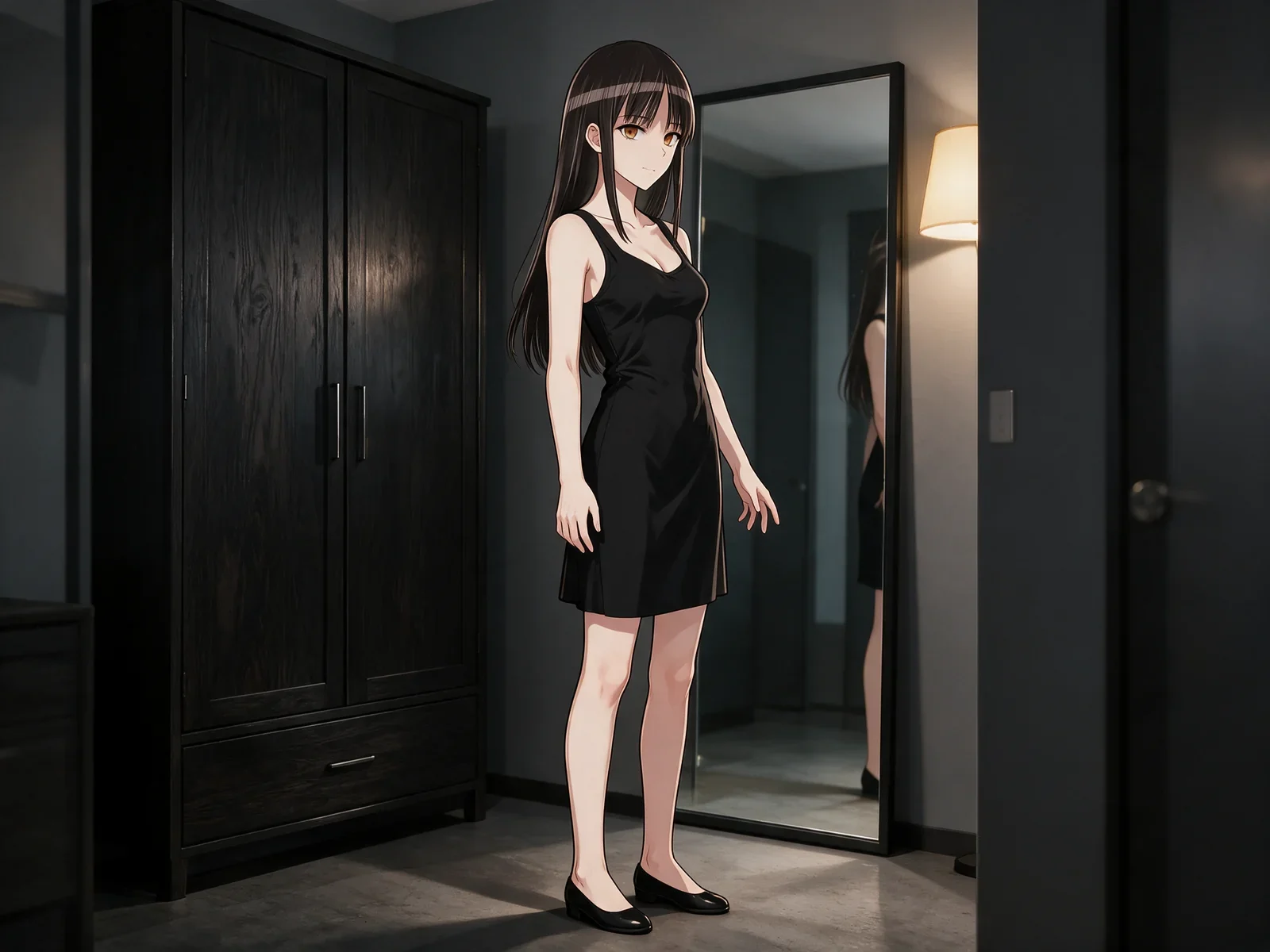
Before and after an image edit
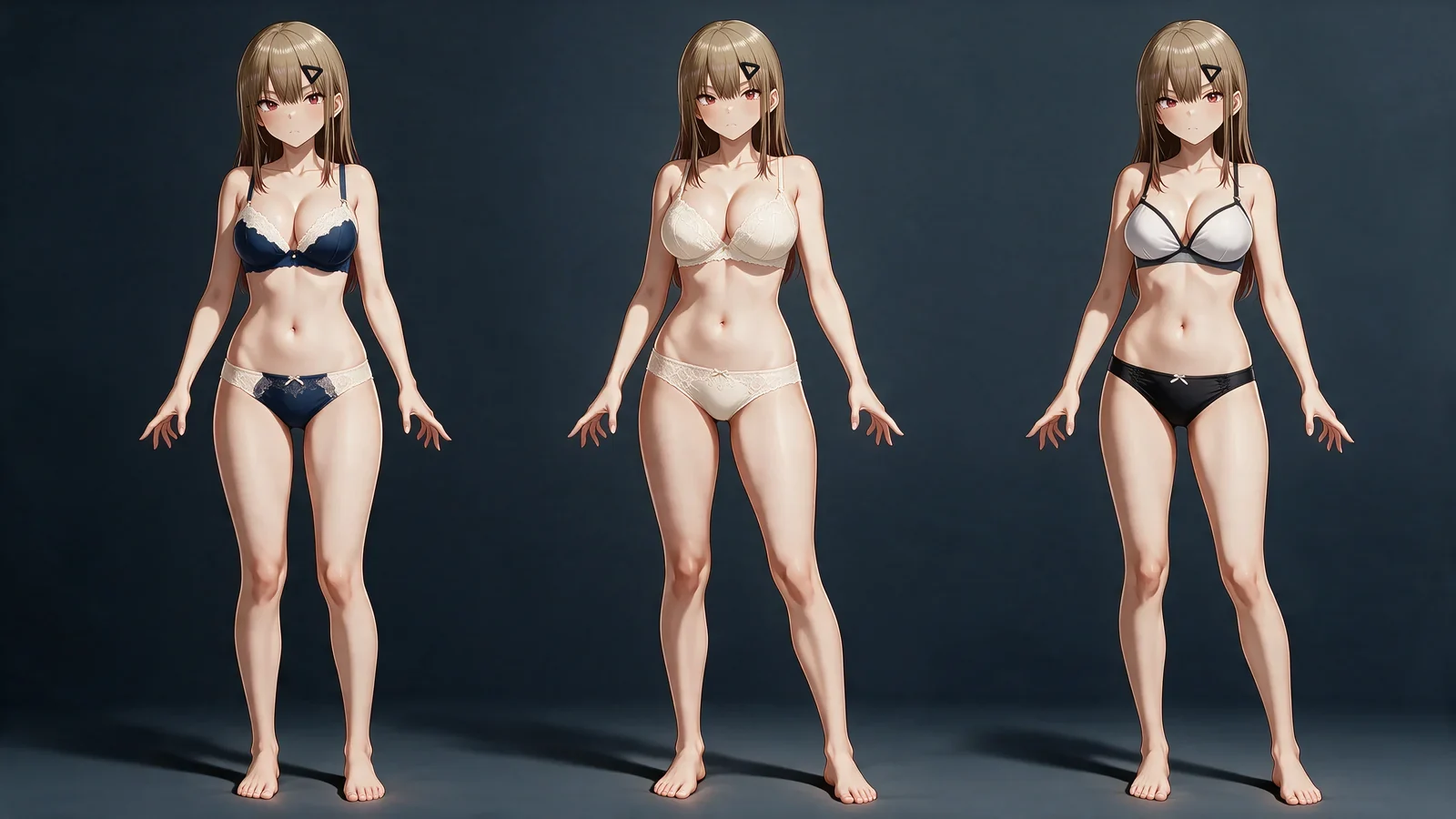
A before-and-after pair for checking identity, pose, palette, and the exact change before the result moves into another workflow.
 Loading…
Choose an art style
The image generator lists the styles and settings available for your selected workflow.
Graphic cel
Crisp contours and flat colour blocks for a graphic anime look.
Colored ink
Expressive ink lines with coloured illustration detail.
Luxury game CG
Layered lighting and polished colour for a game illustration finish.
Work with a reference
Use the reference mode when it is available. Check whether the selected controls apply to character identity, art style or composition before generating.
 Loading…Loading…
Build a better prompt
A useful prompt reads like a compact art brief. Give each instruction one job so the model can resolve the character, scene, style, and camera without guessing which detail has priority.
Define the subject and scene first
State the number of characters, their visible traits, the setting, and the central action before adding decorative detail. Keep each character distinct so identity and anatomy do not merge.
Separate style from composition
Name the anime or manga finish, then describe shot size, camera angle, subject placement, lighting, and background density as a second group of facts.
Tell the reference what to preserve
For a reference image, specify whether it controls identity, clothing, palette, pose, or framing. Describe the requested change separately instead of asking the image to preserve and replace the same fact.
How the AI hentai generator works
Start with an idea or reference
Describe your illustration or choose a reference image.
Choose the art style
Select a published style and check your reference and composition settings.
Check the quote and create
Review the displayed cost, submit once and follow the task status.
What you can create
The same planning method works for a new illustration, a controlled edit, or a first frame that will continue in a video workflow.
Original adult anime artwork
Build a new character scene from text with a deliberate manga, cel, ink, or game-CG finish and a camera plan that reads at the final display size.
Scene and camera variations
Keep the core character idea while testing a closer crop, a wider room view, different lighting, or a new composition without losing the original visual direction.
Reference-led revisions
Use an existing image when the edit needs continuity. Define the traits that stay fixed, isolate the change, and compare the before and after frames before continuing.
Explore more on Hajima AI
Keep creating across Hajima AI — images, video, characters, and more features as the studio grows.
 Loading…
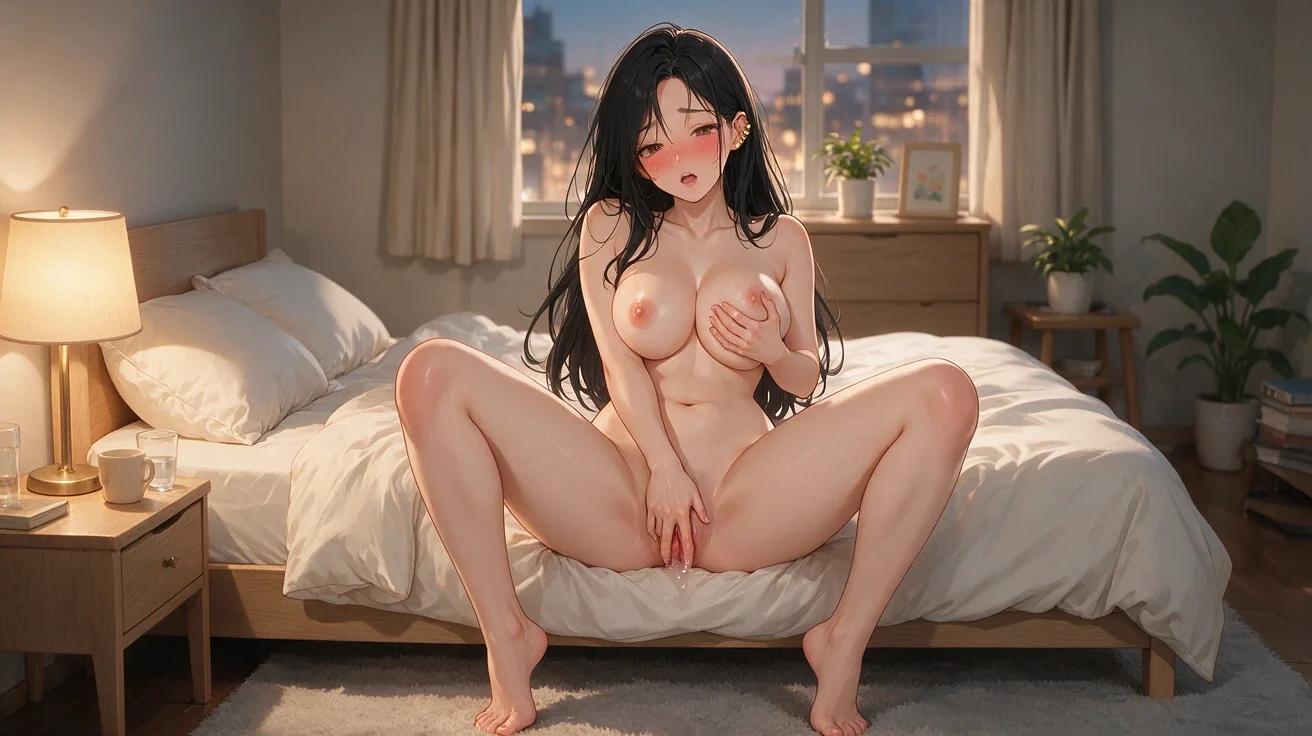
NSFW stills with create or edit control — sharp poses, wardrobe, and camera.
Loading…Use this Hentai AI guide to plan adult anime and manga images with text, reference-image, style, composition, and prompt guidance.
 Loading…
Turn one first frame into directed adult motion with duration and camera under you.
 Loading…
 Loading…
Lock one identity to a real performance — face, body motion, timing intact.
 Loading…
 Loading…
Image or video clothing-state results with identity held and the reveal under control.
 Loading…
Build a reloadable girlfriend profile, then pull a 1024×1280 first portrait.
Common questions
01What is Hentai AI?
Hentai AI is an image creation tool for anime and manga-style artwork. This page focuses on creating images rather than character chat.
02Can I start with a reference image?
Use the reference mode when it is available. Check whether the selected controls apply to character identity, art style or composition before generating.
03Which art styles can I choose?
The image generator lists the styles and settings available for your selected workflow.
04Can I try it for free?
Available trials, credits and account access follow the current account terms. Check the displayed quote before submitting.
05Can I create a video too?
This page focuses on images. Open the linked video tool to check its currently available models, inputs and settings.
06How do I save an image?
Use the save or download actions shown with a completed result. Availability and visibility follow your account settings and access.
Create your next image
Start by deciding whether the image should be authored from text or guided by a reference. Then separate the subject, action, art direction, camera, and details that must stay unchanged. That structure gives the linked image generator clearer instructions and makes revisions easier to compare.
Create an image